


Touch-type Read and Spell (TTRS) for families
The typing program that makes typing, reading, and spelling more accessible to learners of all ages, backgrounds, and ability levels
Featured in



I can’t say enough good things about Touch-Type Read and Spell (TTRS)
"The multi-sensory approach helped my son make connections between letters, sounds, and words in a way that finally made sense. The lessons are short and structured, which keeps him focused, and the program is calm and predictable — perfect for his sensory needs."



Why users love Touch-type Read and Spell
Doesn’t look or feel like a literacy solution
Includes English, Science, Geography subjects and more
Separate students and admin accounts
Requires minimal supervision
Builds focus and concentration
Confidence and self-esteem get a boost

Over 30 years of expertise
TTRS provides a high-quality, phonics and spelling-based, online typing course that teaches touch-typing at the same time as developing the power of literacy.
Based on extensive research
Our course teaches typing skills in a unique, multi-sensory way by following a structured literacy curriculum. Core content is based on the work of Orton and Gillingham.
How does Touch-type Read and Spell work?
Modular design
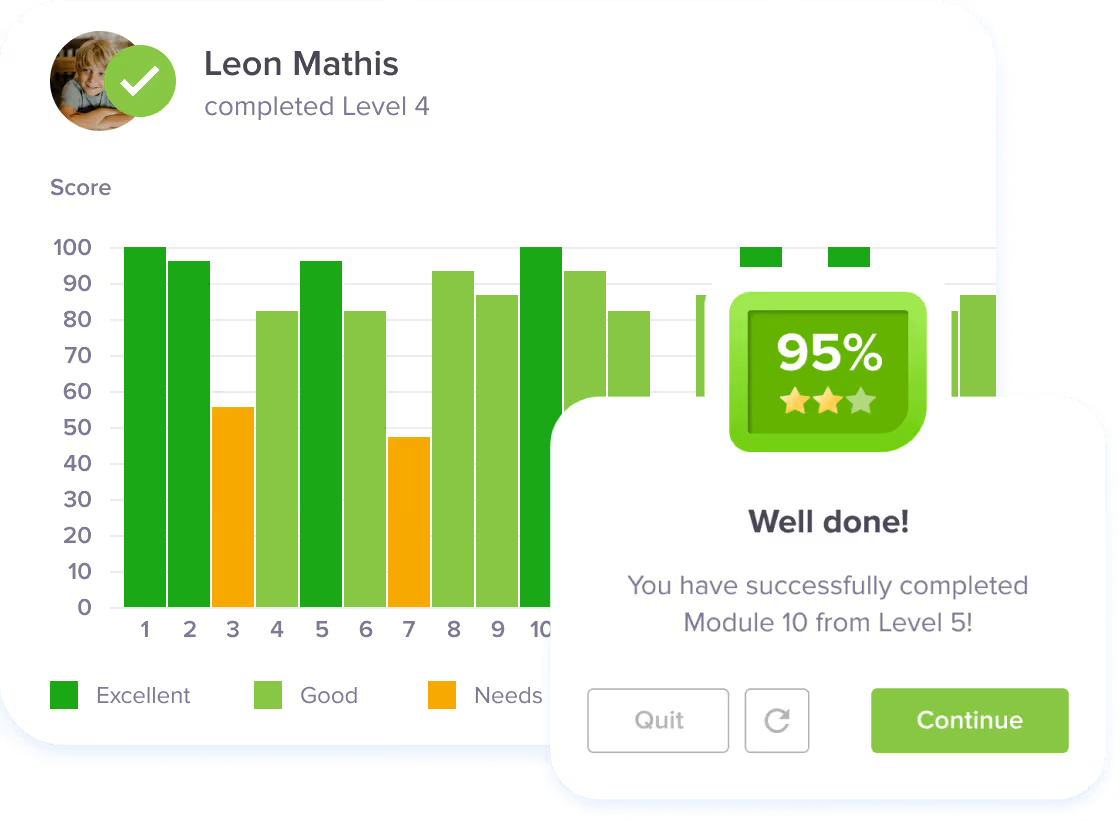
TTRS comes with separate student and admin accounts. The main course is modular in design and contains 24 levels with 31 modules in each level. A module typically takes a few minutes to complete. Student success is encouraged by immediate feedback and positive reinforcement. This feedback includes a score that is based on completion rates and accuracy, not speed or time taken. Learners can earn points toward trophies and certificates.
First score – first success
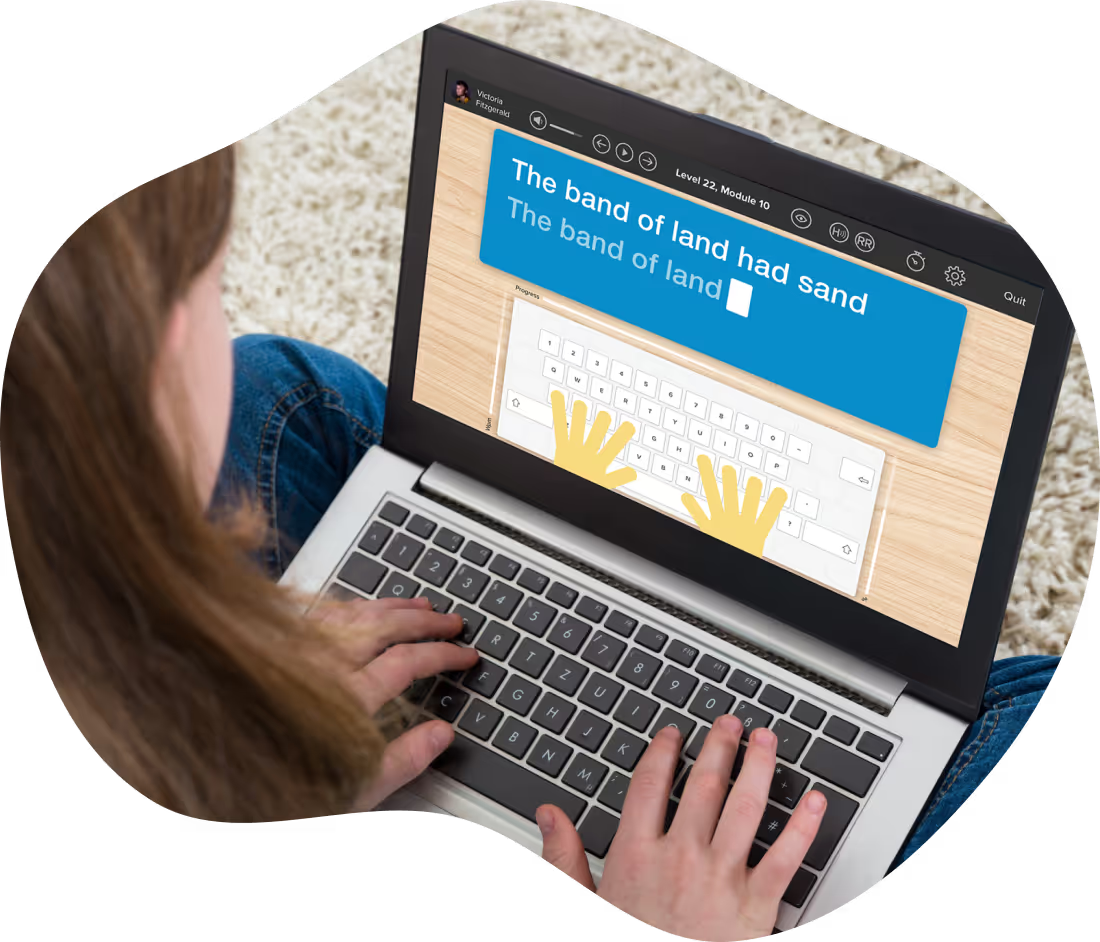
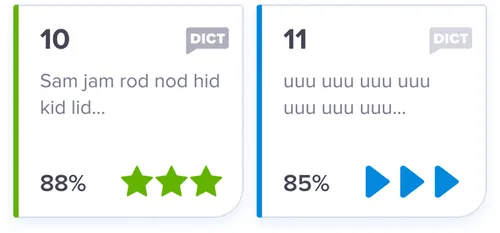
The course starts with students learning to touch-type, read and spell the vowels - a , e , i , o , u. The audio track accompanies the letters as they appear on screen, reinforcing sound-letter correspondence, which is a crucial skill for sounding out words in reading. The student then receives their first score - and success!
Phonics and repetition
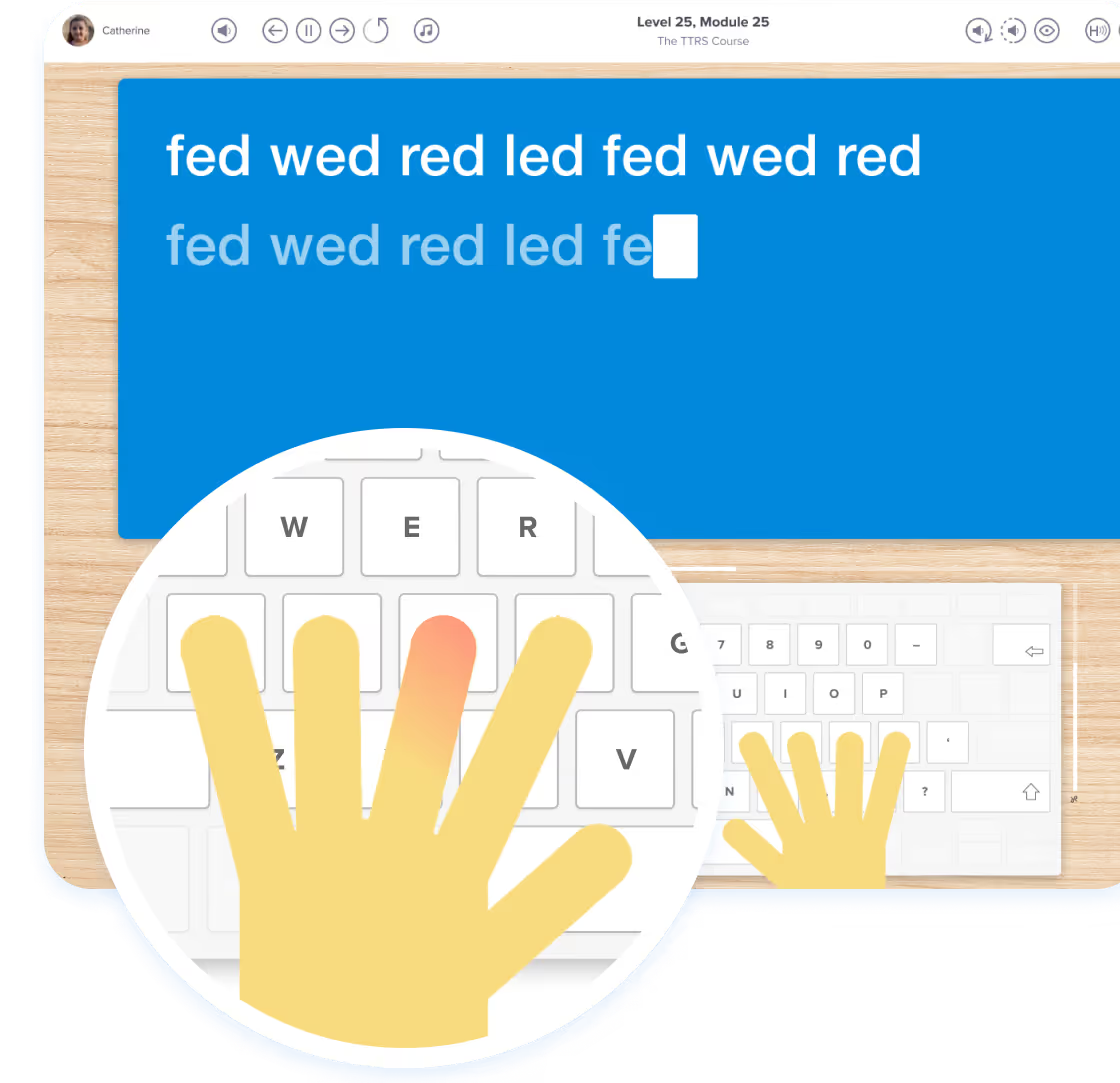
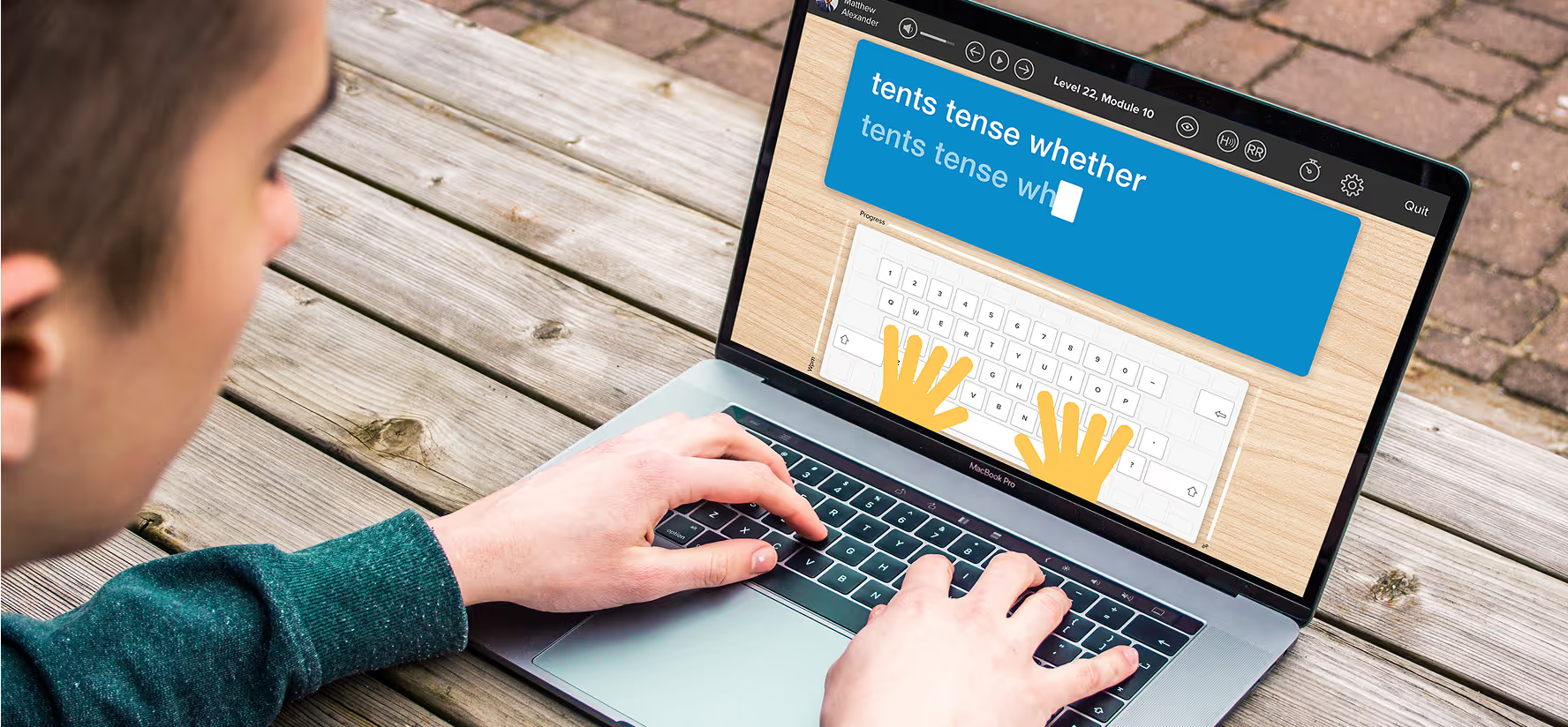
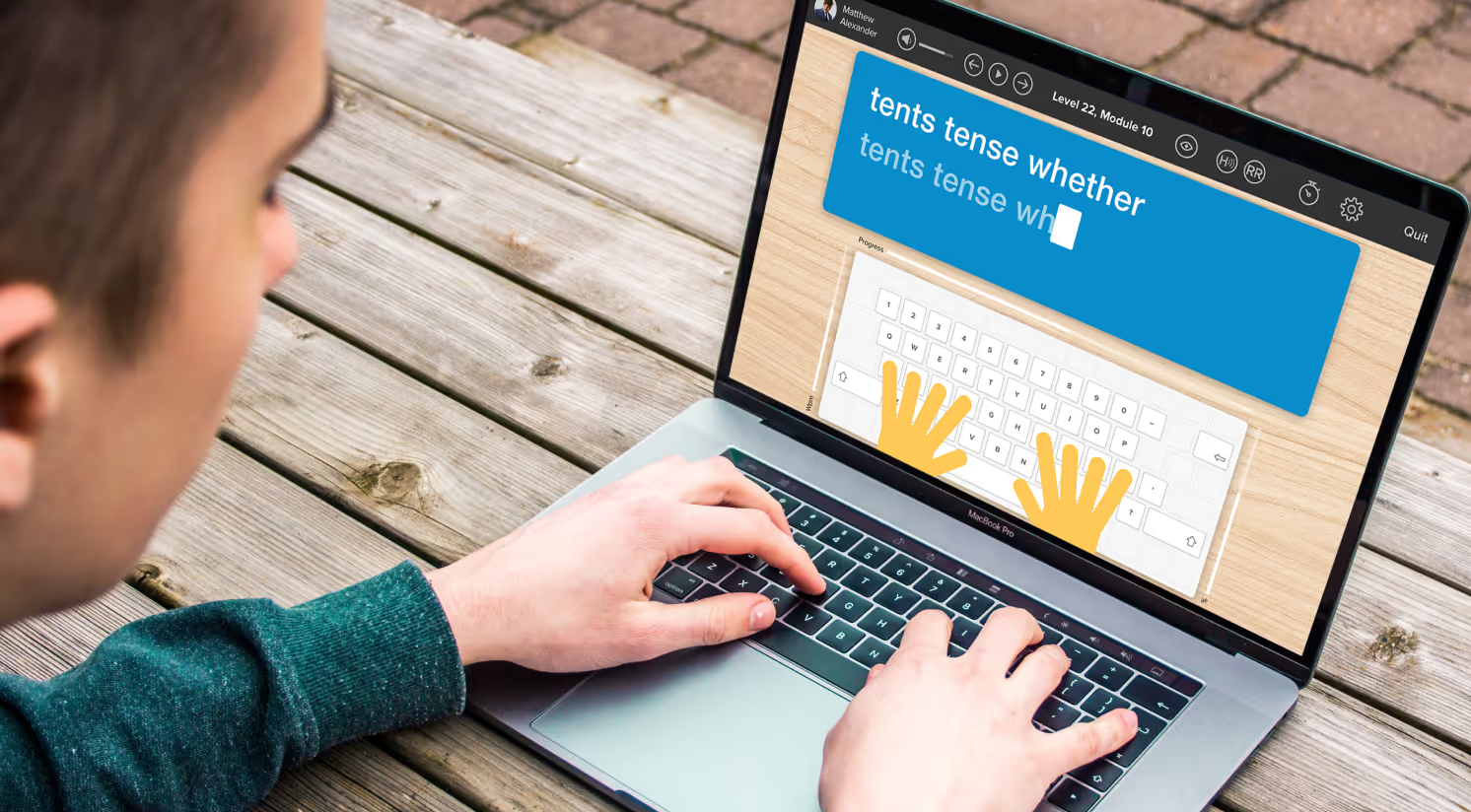
In the second level, the student is introduced to words grouped by onset, vowel-blend and final consonant. For example - fed, wed, led. This teaches phonics in context and at the same time the student learns the position of the keys using the on-screen hand guides. With repetition, words move from short-term to long-term memory and the skill of typing begins to feel more comfortable.
Every 5th module is a dictation module that removes the visual element encouraging the student to listen to the words and then type out what they hear. This develops spelling by testing sound-letter mapping skills.
Multi-sensory approach
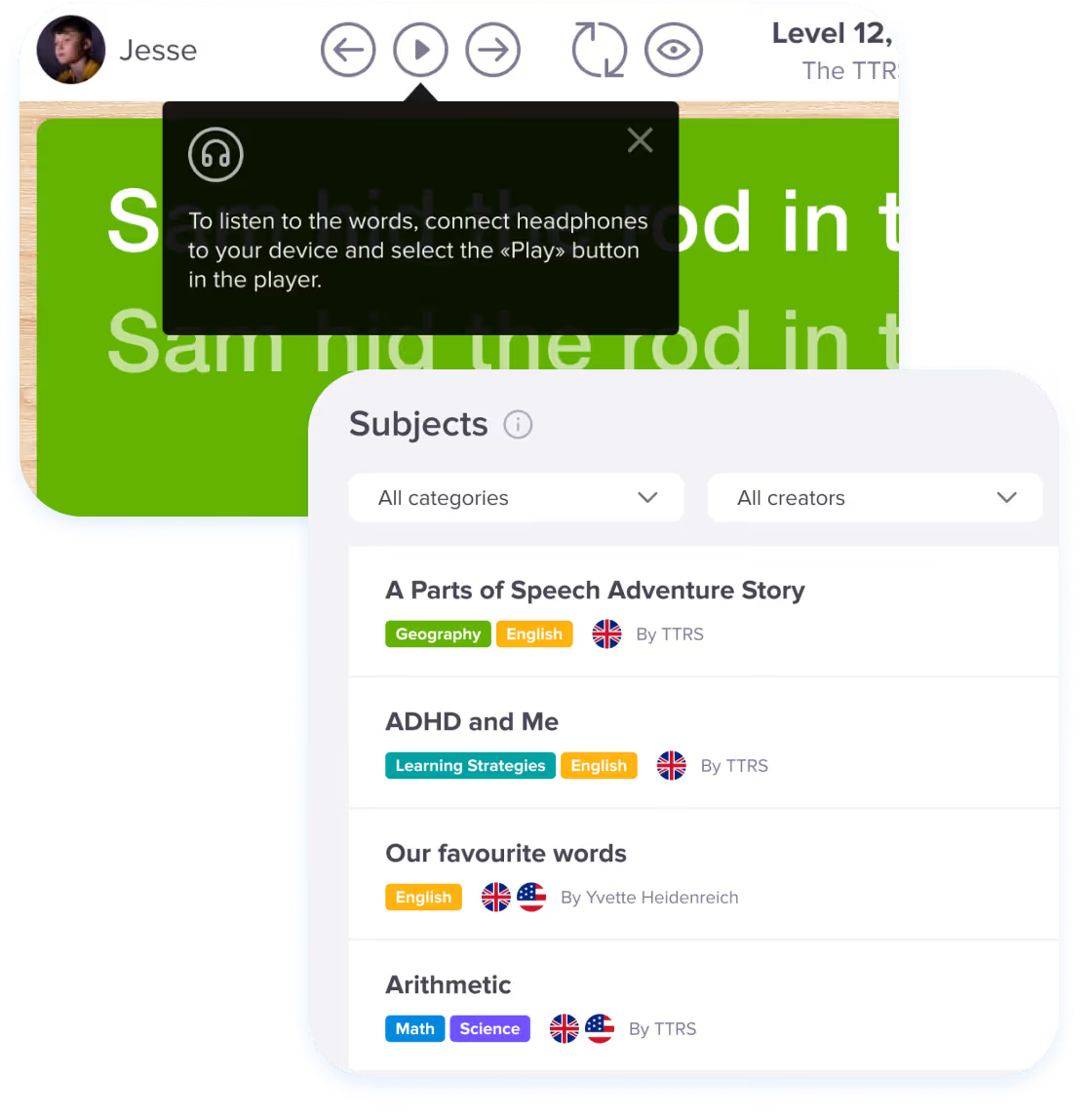
TTRS uses a multi-sensory approach to repetition learning. Students hear the words spoken through headphones or speakers, see the words printed on the screen, and are prompted as to which fingers to press via the on-screen keyboard. Finally, through the sense of touch, they type out the words and learn to spell with their fingers.
A TTRS subscription also includes access to English, mathematics, and science typing modules and admins can create custom subjects and add spelling lists too!
Empower your learning and start typing with confidence today
Join thousands improving their typing, reading and spelling skills


Features for Families
Testimonials and reviews
Hear first-hand from our incredible community of users
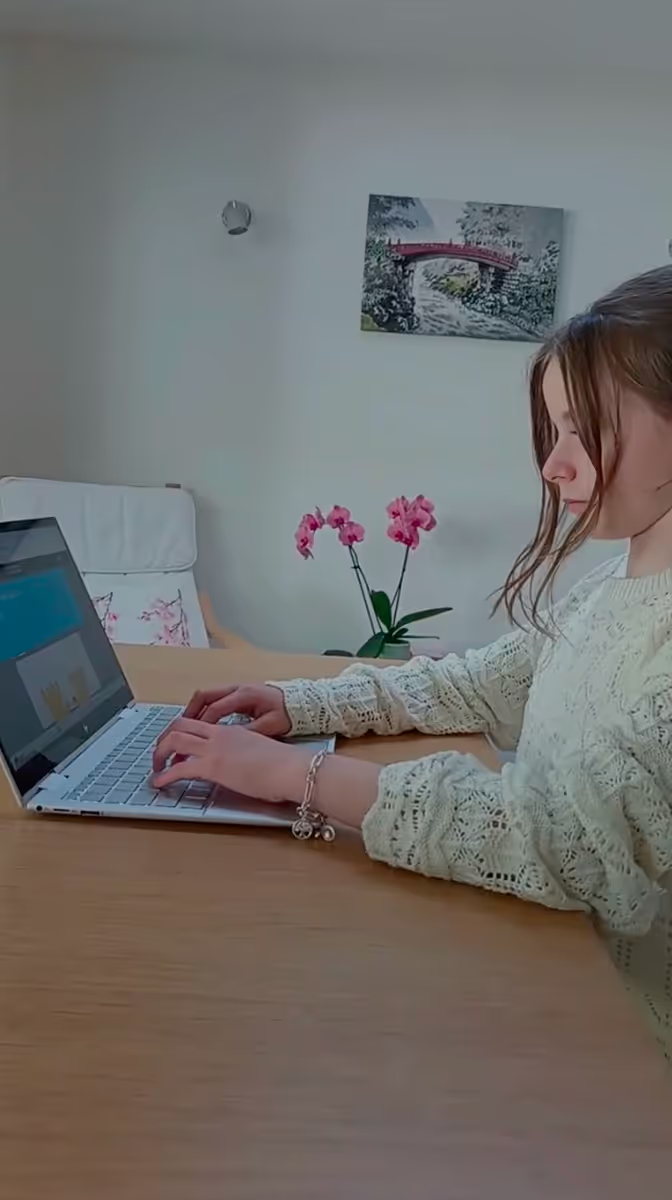

TTRS makes it much easier for her to type the right letters...
I purchased the Touch-type Read and Spell program for my daughter who was having difficulty with the typing course she was using at school. She’s in a gifted program but also struggles with dyslexia and slow processing. I knew my daughter was an auditory learner and that the voice prompts in TTRS would help. TTRS makes it much easier for her to type the right letters.
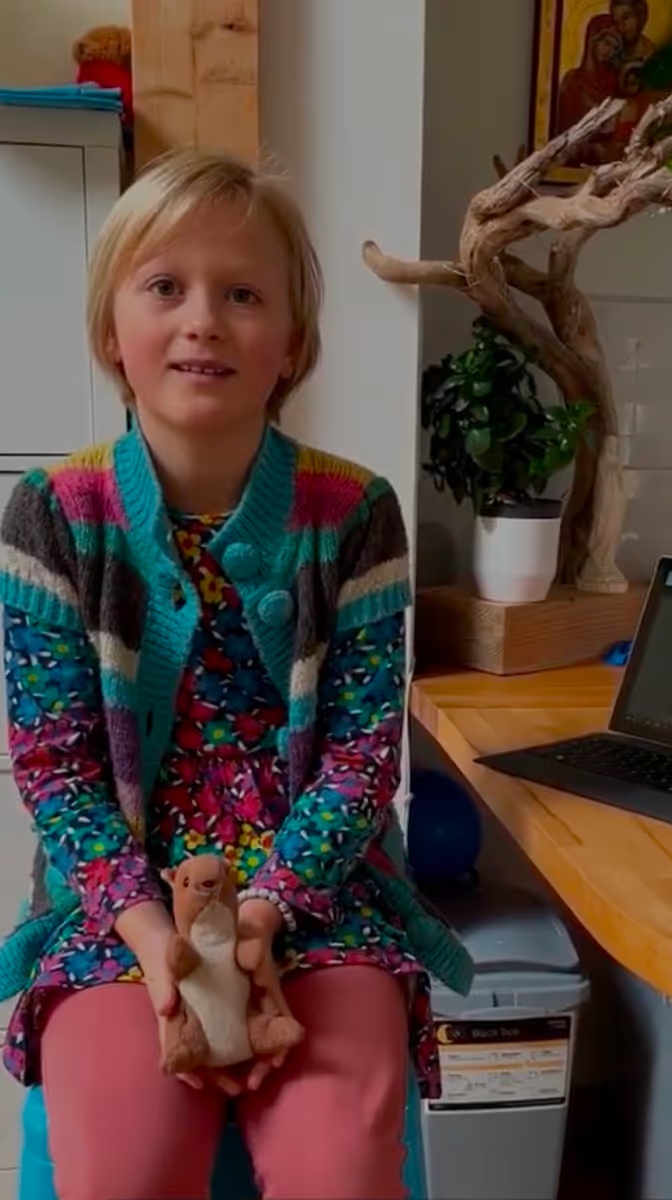
TTRS has helped my son show his strengths
We used the Touch-type Read and Spell course to teach my ten-year-old son typing, in order to help him with his writing. Since he learned typing, he’s more able to express himself in writing. He’s also more confident because he knows he can keep up in the classroom and do homework and other school assignments on the computer. His typing skills have improved significantly - he’s even trying coding lessons this year!

.avif)
Transform your struggles into success
TTRS empowers both kids and adults to build confidence and improve typing, reading and spelling skills
Frequently asked questions
Used by