



Touch-type Read and Spell (TTRS) for homeschoolers
A typing program for homeschooling families that makes literacy-based typing more accessible to learners of all ages, backgrounds, and ability levels
Featured in



TTRS has brought him up multiple levels in his spelling and reading
“Our family loves TTRS! We are a homeschool family with 4 boys ages 4-18. One of our boys struggled significantly with spelling because of dyslexia, but TTRS has brought him up multiple levels in his spelling and reading. We are beyond grateful for it and the confidence it has given all our kids that use it so far!”


Why teachers love Touch-type Read and Spell
Typing, spelling, reading and writing support are bundled into one solution
Doesn’t look or feel like a literacy solution
Separate students and admin accounts
Requires minimal supervision
Builds focus and concentration
Is appropriate for children aged 7+ and teenagers
Fully adaptive settings
Confidence and self-esteem get a boost
Includes English, Science, Math subjects and more
Over 30 years of expertise
TTRS provides a high-quality, phonics and spelling-based, online typing course that teaches touch-typing at the same time as developing the power of literacy.
Based on extensive research
Our course teaches typing skills in a unique, multi-sensory way by following a structured literacy curriculum. Core content is based on the work of Orton and Gillingham.
How does Touch-type Read and Spell work?
Modular design
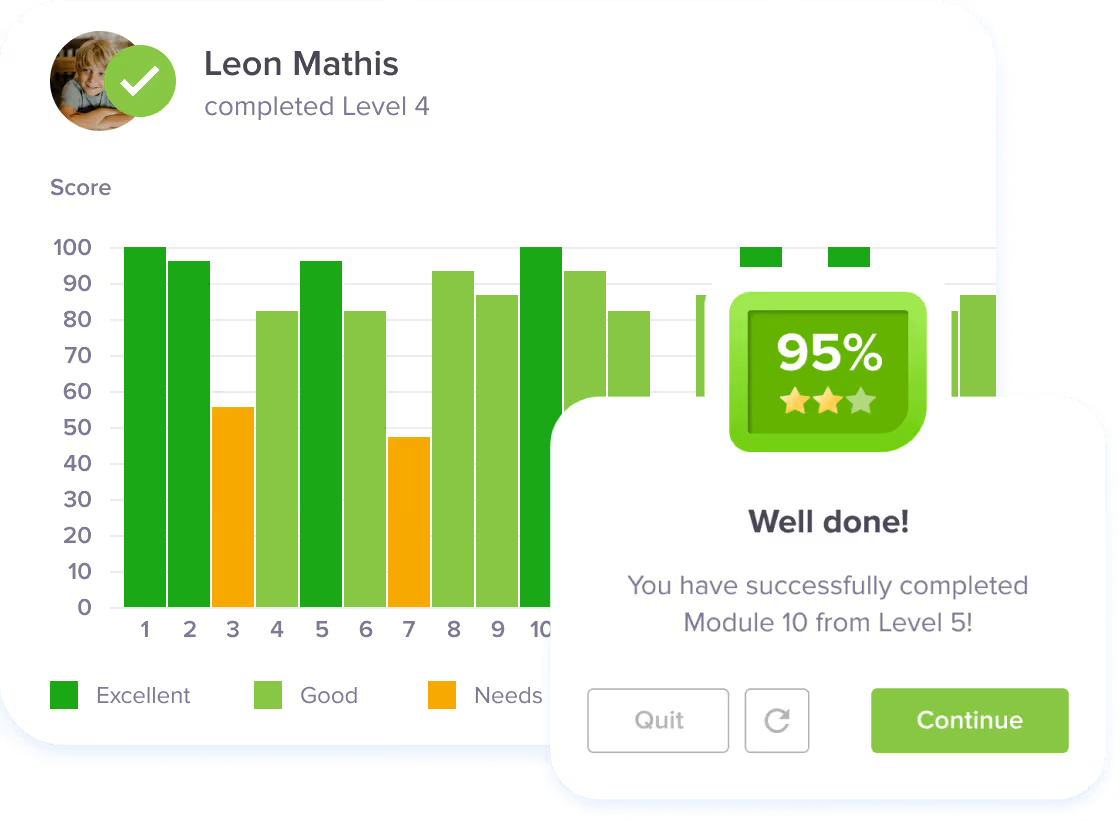
TTRS comes with separate student and admin accounts. The main course is modular in design and contains 24 levels with 31 modules in each level. A module typically takes a few minutes to complete. Student success is encouraged by immediate feedback and positive reinforcement. This feedback includes a score that is based on completion rates and accuracy, not speed or time taken. Learners can earn points toward trophies and certificates.
First score – first success
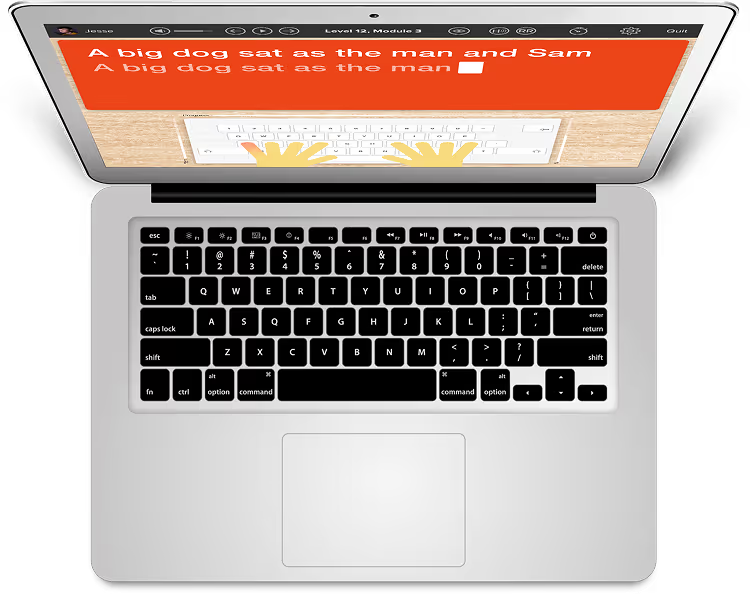
The course starts with students learning to touch-type, read and spell the vowels - a , e , i , o , u. The audio track accompanies the letters as they appear on screen, reinforcing sound-letter correspondence, which is a crucial skill for sounding out words in reading. The student then receives their first score - and success!
Phonics and repetition
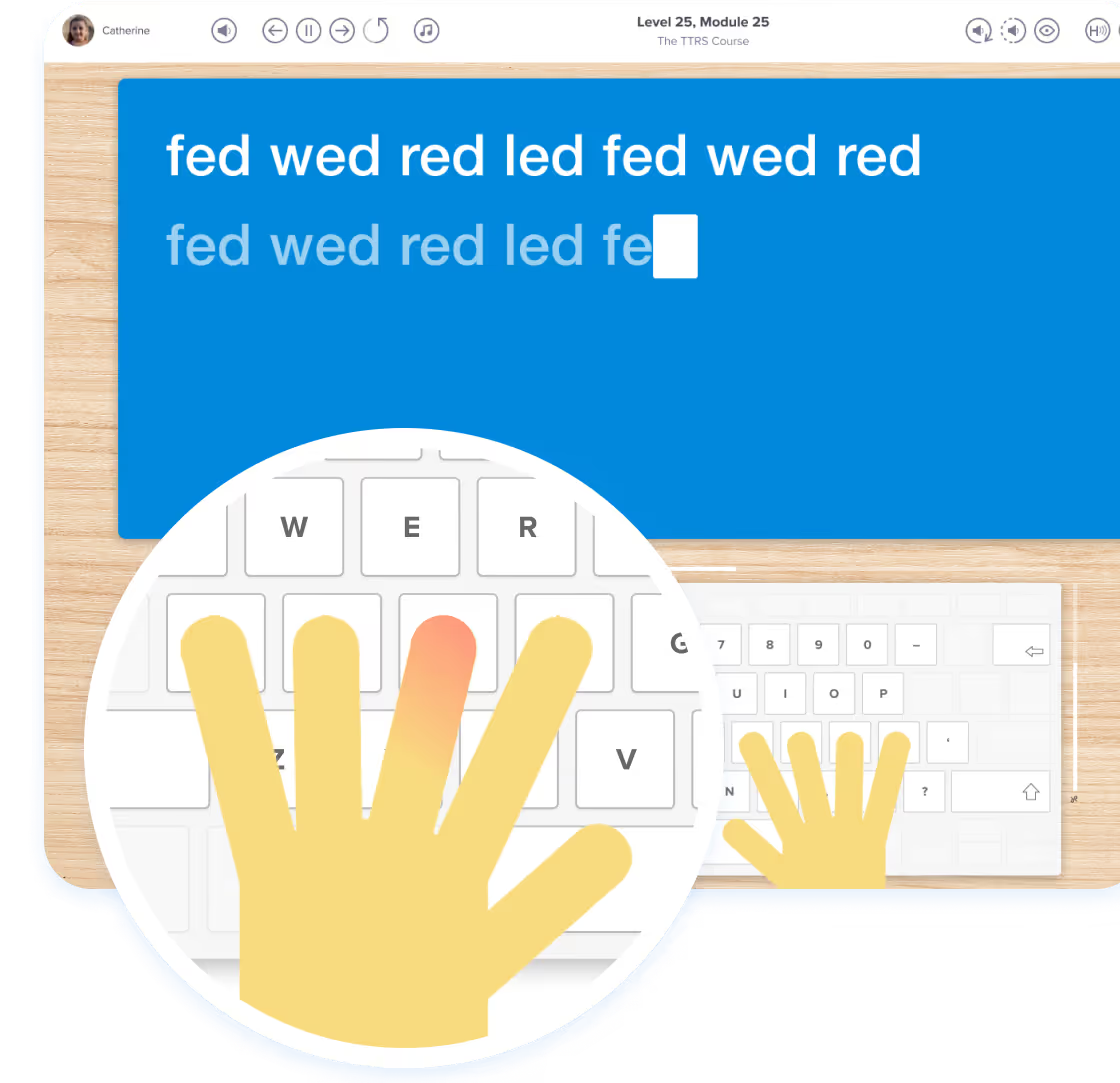
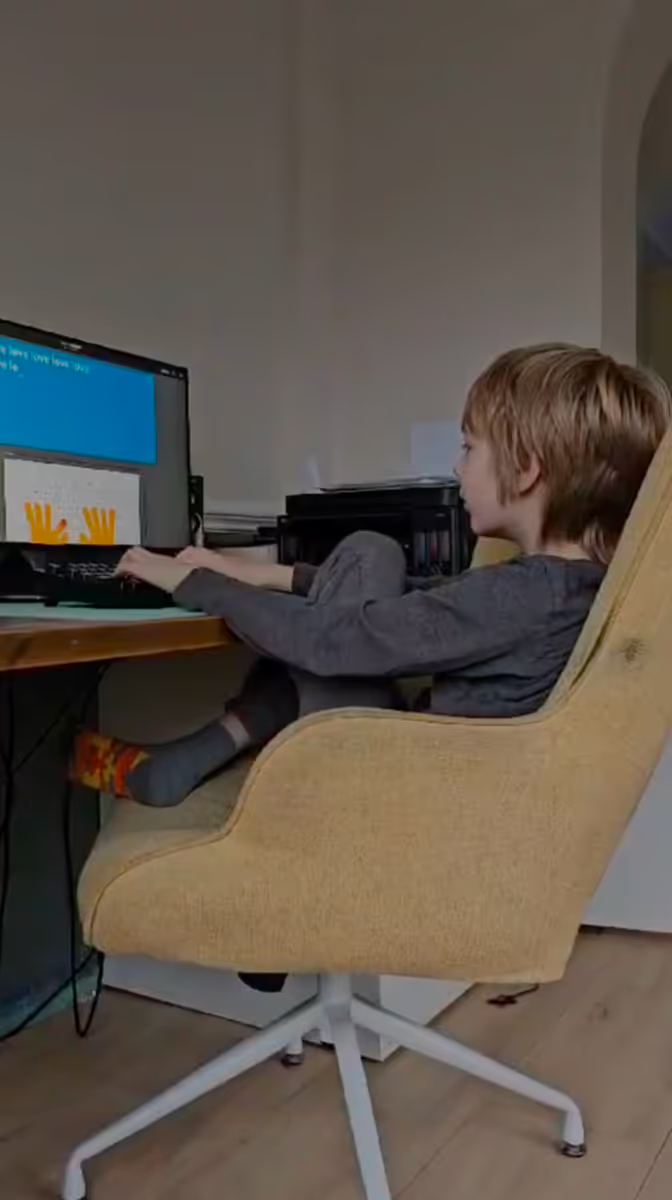
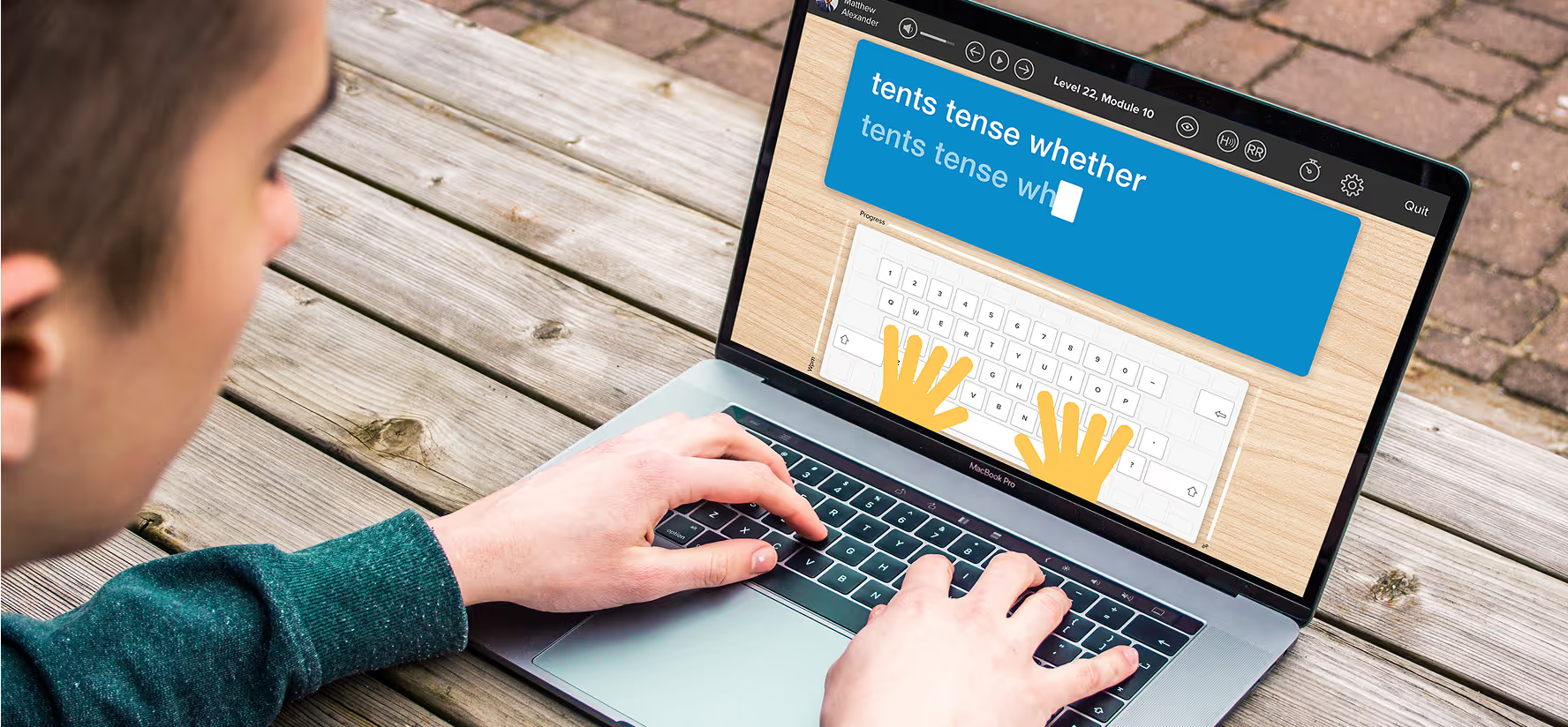
In the second level, the student is introduced to words grouped by onset, vowel-blend and final consonant. For example - fed, wed, led. This teaches phonics in context and at the same time the student learns the position of the keys using the on-screen hand guides. With repetition, words move from short-term to long-term memory and the skill of typing begins to feel more comfortable.
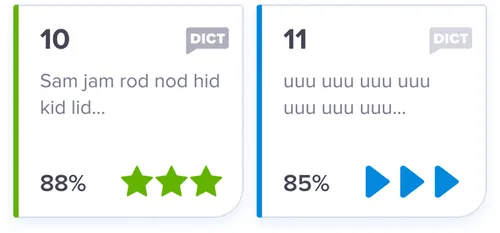
Every 5th module is a dictation module that removes the visual element encouraging the student to listen to the words and then type out what they hear. This develops spelling by testing sound-letter mapping skills.
Multi-sensory approach
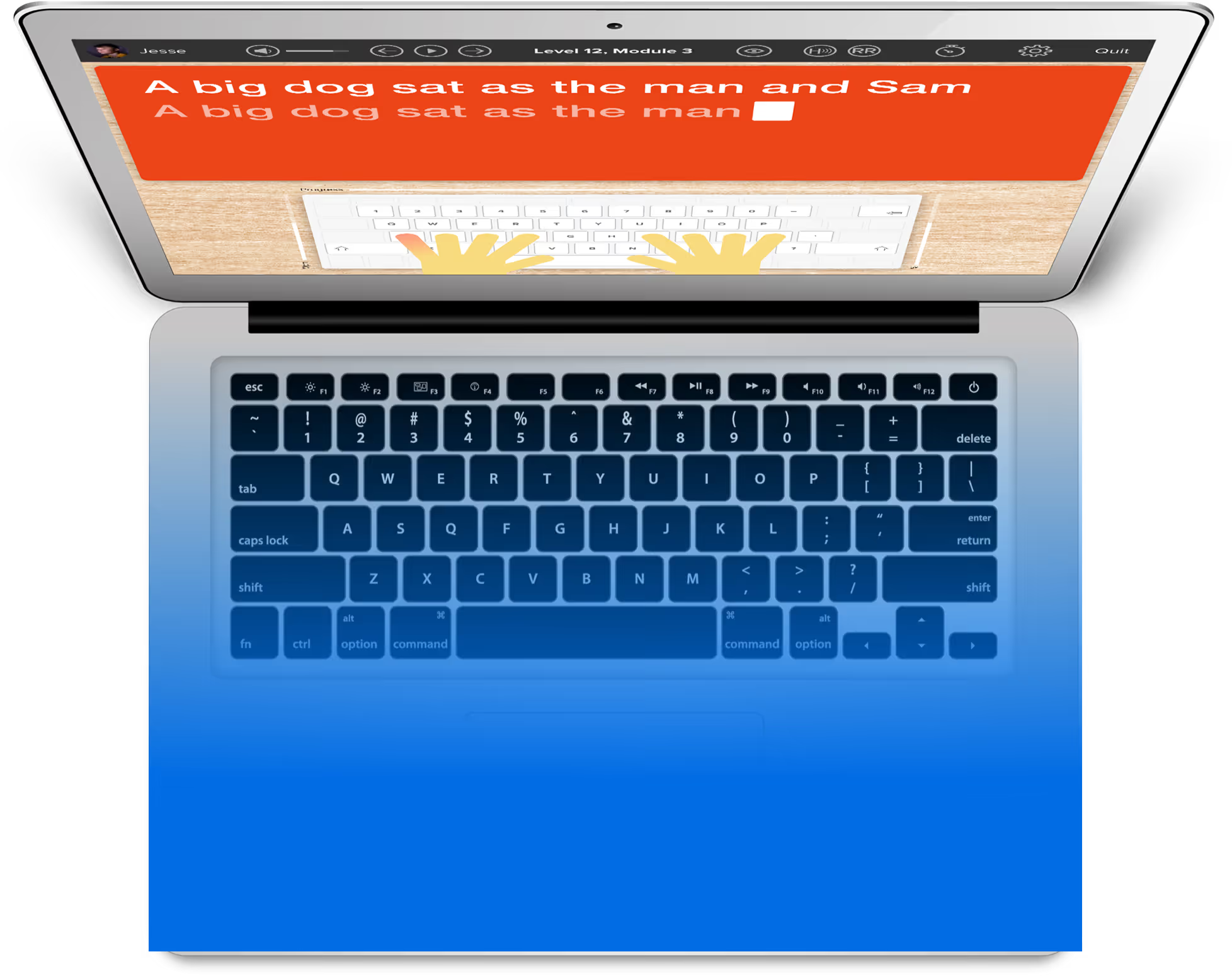
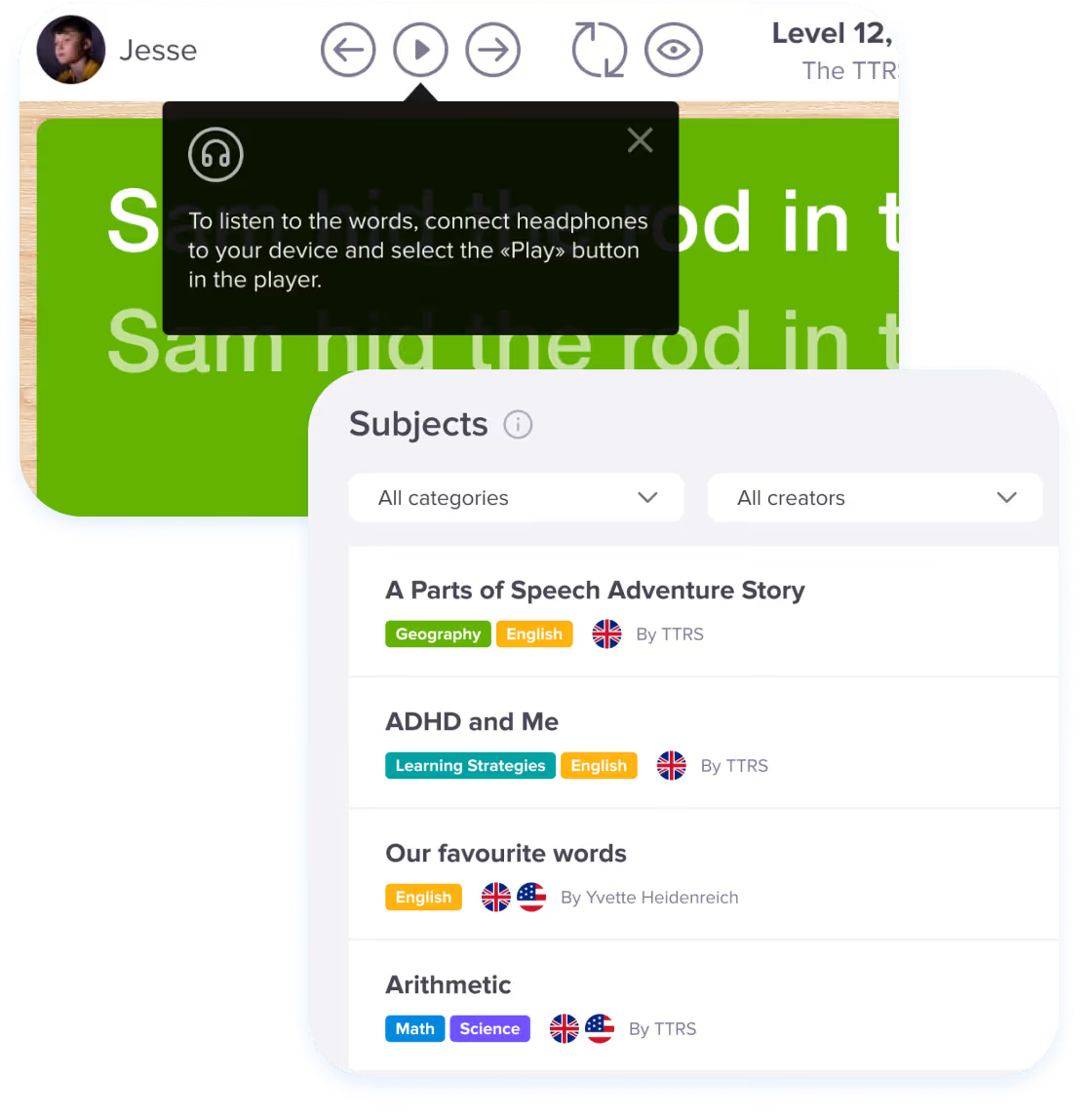
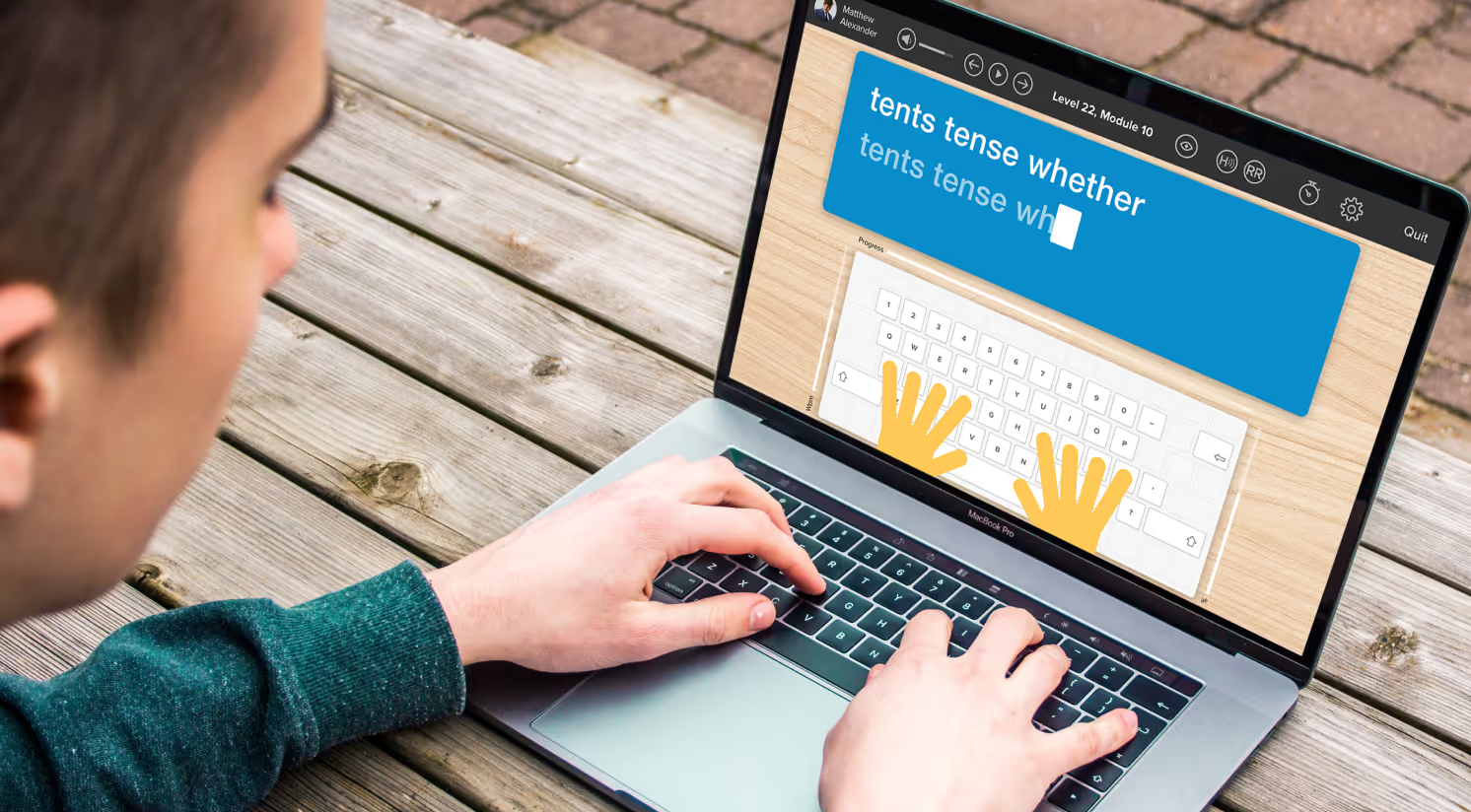
TTRS uses a multi-sensory approach to repetition learning. Students hear the words spoken through headphones or speakers, see the words printed on the screen, and are prompted as to which fingers to press via the on-screen keyboard. Finally, through the sense of touch, they type out the words and learn to spell with their fingers.
A TTRS subscription also includes access to English, mathematics, and science typing modules and admins can create custom subjects and add spelling lists too!
Empower your learner – start them typing with greater confidence today
Join thousands of students who are improving their typing, spelling and reading skills with TTRS


Features for homeschoolers
Testimonials and reviews
Hear first-hand from our incredible community of users


Transform their struggles into success
TTRS empowers children of all ages to build confidence and improve typing, spelling and reading skills
Frequently asked questions