


Touch-type Read and Spell (TTRS) for adults
Strengthen reading and spelling skills, master touch-typing and become more confident on the computer
Featured in


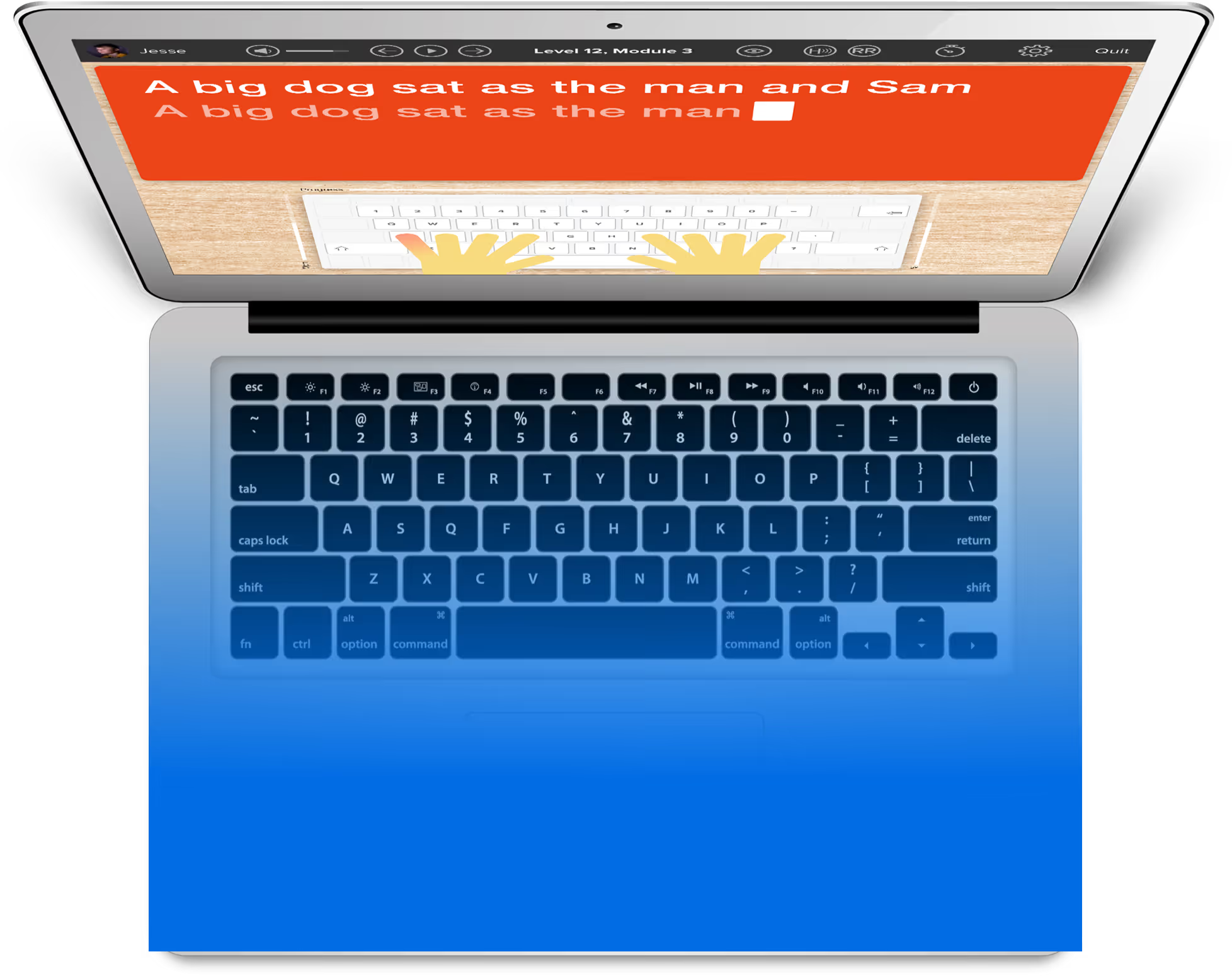

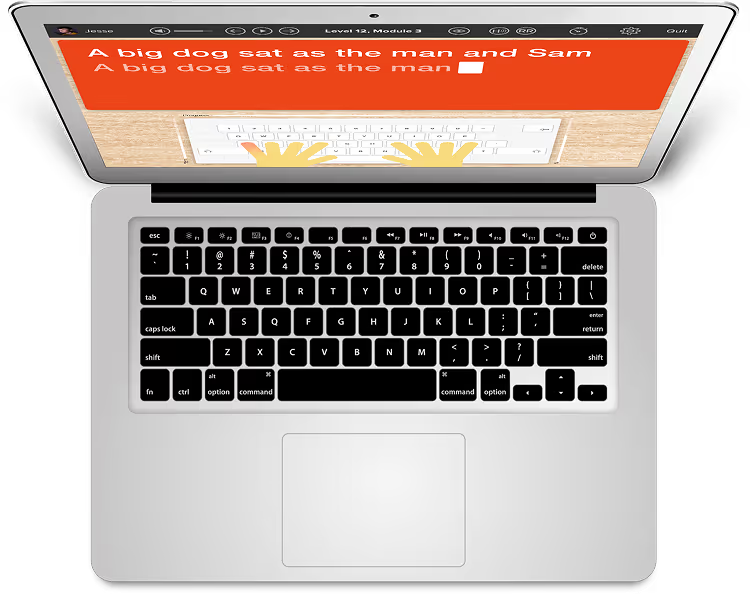
It’s easy and straightforward to use
The first time I signed in to the program I was able to get started right away. I did two modules and felt confident and pleased with myself.


Why adults love Touch-type Read and Spell
Lessons are split into short modules
You can learn at your own pace
Spelling and reading help are built in
Progress reports keep you on track
You can learn new skills for work or school
Includes support for dyslexia, dysgraphia, ADHD and more

Over 30 years of expertise
TTRS provides a high-quality, phonics and spelling-based, online typing course that teaches touch-typing at the same time as developing the power of literacy.
Based on extensive research
Our course teaches typing skills in a unique, multi-sensory way by following a structured literacy curriculum. Core content is based on the work of Orton and Gillingham.
Transform your struggles into success
Harness the power of multi-sensory learning to develop subject knowledge and improve reading and spelling skills
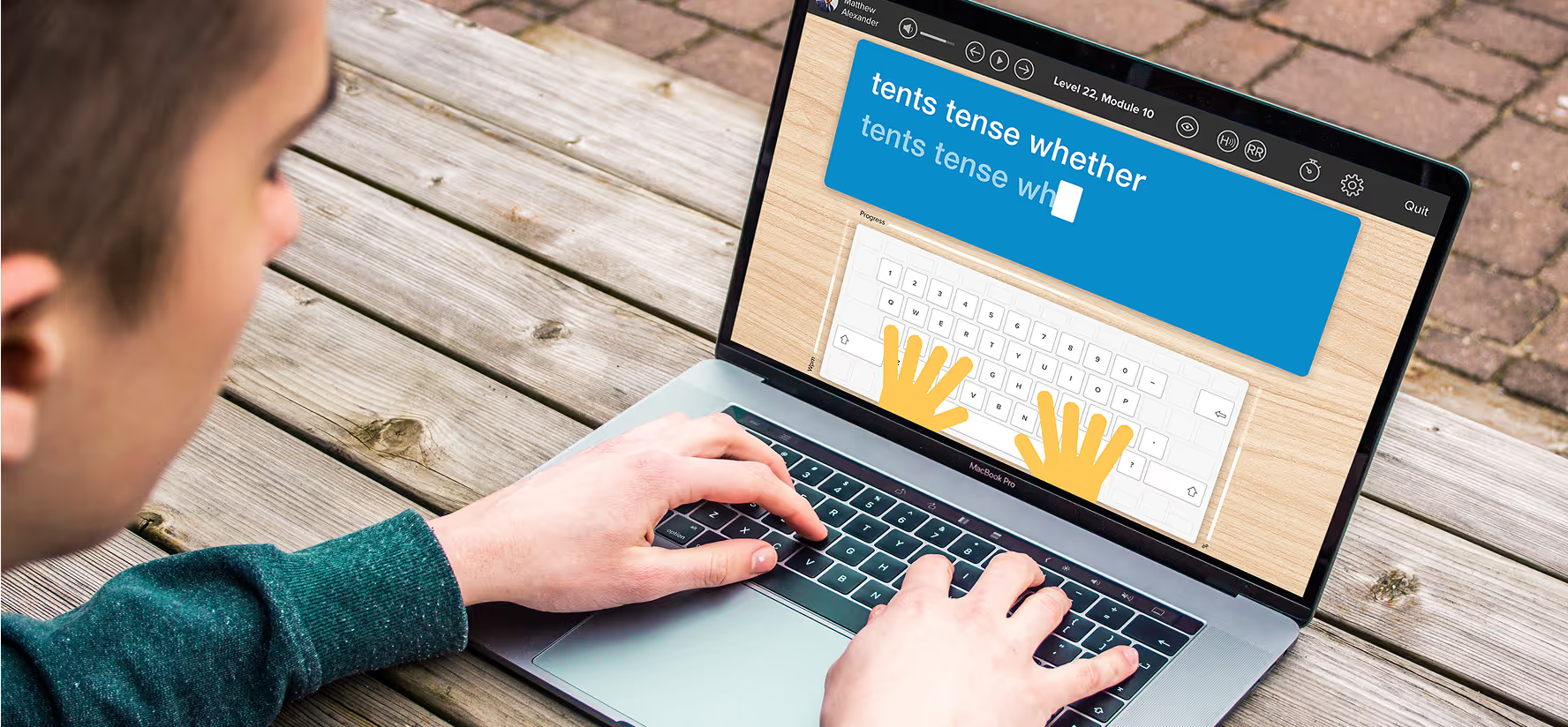
Features for Adults
Testimonials and reviews
Hear first-hand from our incredible community of users

It’s helping me every day work faster and more efficiently at the computer.
I have mild dyslexia. Unfortunately, there was no help for me when I was younger, so I’ve always just struggled along. I run a guest house and when I write on the computer, it’s easier to cover up errors. In the first few weeks of Touch-type Read and Spell, I didn’t think I was getting much better. Then, when I was typing a letter out, I felt wow, I seem to be typing differently. Typing felt more automatic and I wasn’t overthinking the words and how to spell them, I was just doing it. I was typing faster and my fingers knew where they were going.
.avif)
TTRS is one part of my dyslexia toolkit
I do my typing for a half hour every night. I put that in my schedule and make it a priority.

Touch-type Read and Spell provides a rewarding and positive experience
At Bolton College we offer the TTRS course to self-study adult learners who have returned to education to improve their spelling, increase their familiarity with technology, and use word processors. We find that for many adult learners in our program, the conventional look-cover-spell-check approach they were taught at school had a detrimental effect on their learning. In contrast, Touch-type Read and Spell provides a rewarding and positive experience for them when it comes to spelling.

Listening to the words in TTRS really helps me
I can hear and see the word, so it’s easier for me to pinpoint whatever little thing I’m doing in my mind that’s not working. I’ve also found it’s easy and convenient to work on the modules - I can do them at home and in the office and it doesn’t take up too much time.

Transform your struggles into success
Harness the power of multi-sensory learning to develop subject knowledge and improve reading and spelling skills
Frequently asked questions

Used by