


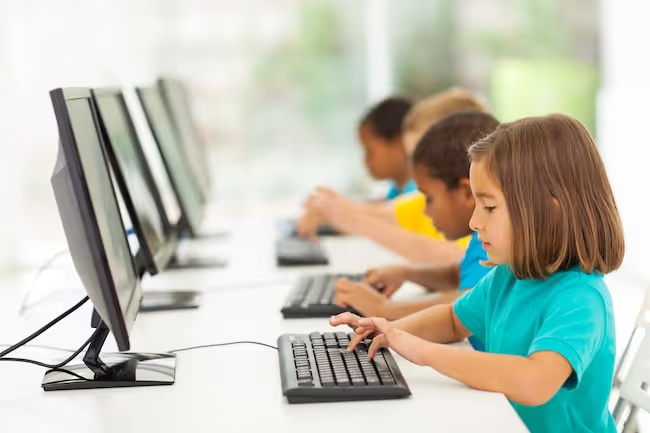
Teaching a child to type changes the way they write on the computer. When they sit down to compose an essay or homework, their thoughts flow fluently onto the page. In test situations, they're faster and more efficient in recording their responses. During group work or note-taking, they can record spoken language quickly and keep a written record of discussions. When they're doing research, they can keep their eyes up and on the screen instead of constantly looking down at their fingers.
What's involved in teaching a child to type? You need a typing program that's kid friendly, you might want a keyboard that's colorful and/or a bit smaller to accommodate a younger child's hands, and you need a consistent approach to practice. When it's taught correctly and with the right program, typing can not only help kids with writing but give them a boost with spelling, reading and general computer skills too.
When should children learn to type?
Children today are exposed to keyboards from a very early age, from family laptops to the keyboard screens of their parents’ tablets and smartphones. While typing is a skill that can be mastered at any age, the younger the better, as they will have more opportunities to refine and strengthen their skills. They are also less at risk for developing bad typing habits that are hard to unlearn, such as the hunt-and-peck method.
It’s generally considered appropriate for kids to learn to type when their hands are big enough to fit comfortably on a standard keyboard, typically around 6 or 7 years of age. This also coincides with a period in which they are learning to read and write at school, and practicing their English spelling skills.
The benefits of learning to type
Lifelong Computer Skills
Feeling comfortable on a computer and being able to type quickly and accurately are skills that will help immensely when students arrive at college and are given longer assignments to complete. They also make it easier to get a job, particularly one that requires typing skills, and come in handy for writing personal emails and browsing the web. Moreover, a child who is learning to code and would like to pursue a career in tech will find typing skills helpful.
Improved Spelling
If a typing program has an audio component, then children are getting the added benefit of phonics support. This is because typing what you see and hear is essentially mapping letters to sounds. This helps with spelling as does repeat exposure to high frequency English words. The more the hands type a word, the more its spelling is translated into a sequence of muscle movements that become automatized, providing much needed support to children who struggle with spelling. Instead of worrying over a sequence of letters, they can just think where their hands would go. Also, keep in mind English spelling can be somewhat irregular. When it comes to words that don't follow spelling rules, the more kids are exposed to them, the easier they will be to spell.
Honed Writing Skills
Writing on a computer helps kids organize their ideas, work in draft form and edit their text with ease. This is crucial for youngsters who are just learning how to express themselves in writing. Writing on the computer is a lot easier if you don’t have to search for each key individually. The hunt-and-peck method of typing can be so time-consuming that it not only puts the writer off but can make it more likely they lose their train of thought. We think much faster than we write and touch-typing supports the translating of ideas into language. When a child has learned to touch-type, it becomes an automatized skill that's executed via muscle movements in the hands. Words fly onto the page and then can be reshaped to create a piece of writing.
Stronger Reading Skills
Typing can support both decoding and sight reading skills in young readers. The right typing program also helps introduce new vocabulary and the more words kids know, the easier it is for them to make sense of what they're reading.
Enhanced Self-Esteem
Depending on how a typing course is structured, learning to type can do wonders for a child’s self-esteem. This is especially true for children with learning difficulties or those who struggle with behavioral problems that have kept them from experiencing prior success in an academic setting. Courses that are modular and self-directed are especially helpful as a child can learn at the pace that is right for him or her. Positive feedback encourages self-efficacy and motivation, which is often carried over into other areas of the classroom.
Typing for kids with learning difficulties
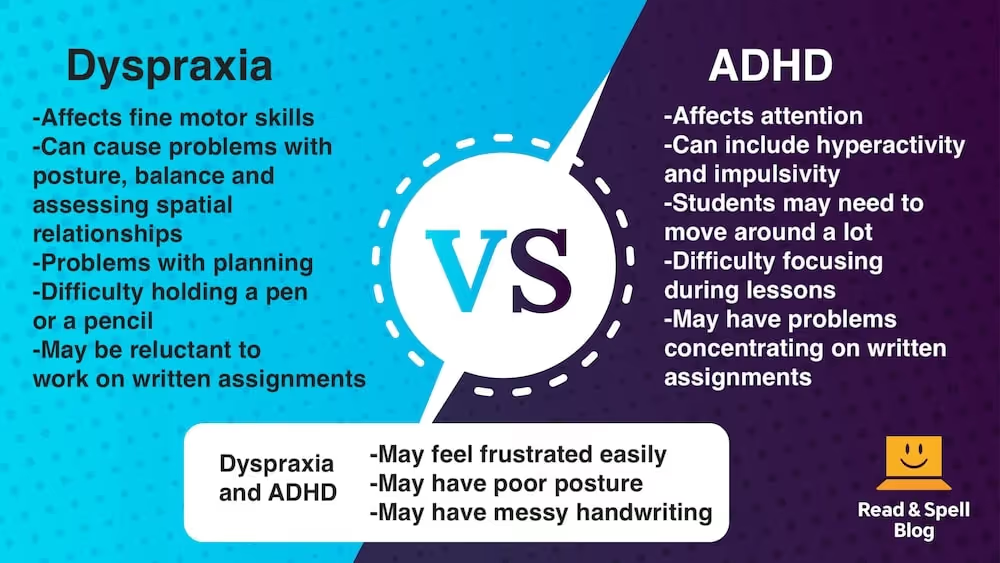
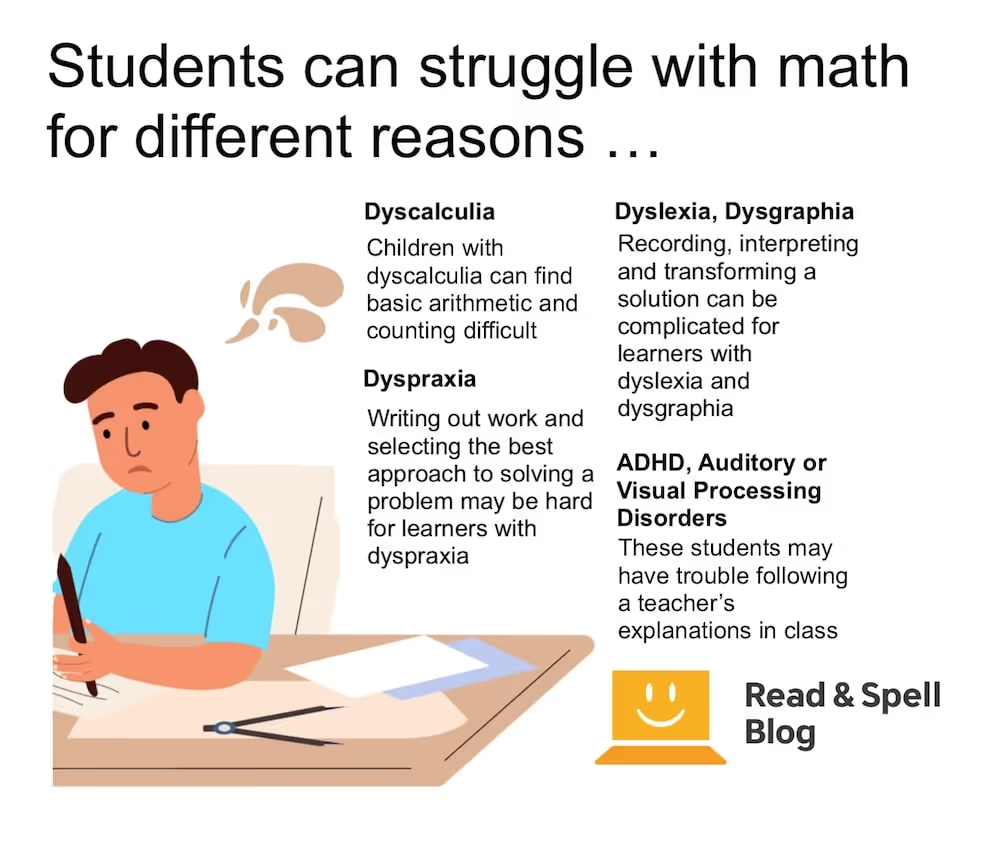
For kids who have dyslexia, learning to type means they have an alternative way to practice spelling and more support for any reading difficulties they might be experiencing. Writing on the computer also gives them access to spell-checkers. For children with dysgraphia and dyspraxia who struggle with writing and in the case of dyspraxia, motor skills difficulties, typing is often a lot easier than writing by hand. Learn more about how typing benefits kids with ADHD and visual impairments in these articles.
Touch-typing at school
Many schools find it important to teach typing, but not all offer typing courses as an elective and there is no national requirement for them to do so. There may be after school clubs or advice given for parents on recommended programs. In certain states keyboarding is required, for example in California, and many homeschooling families access online typing programs to support their children. If your school or community is considering teaching typing as an after-school program or even offering a regular credit course, get in touch with the TTRS Team for more information and a free trial of our school subscription.
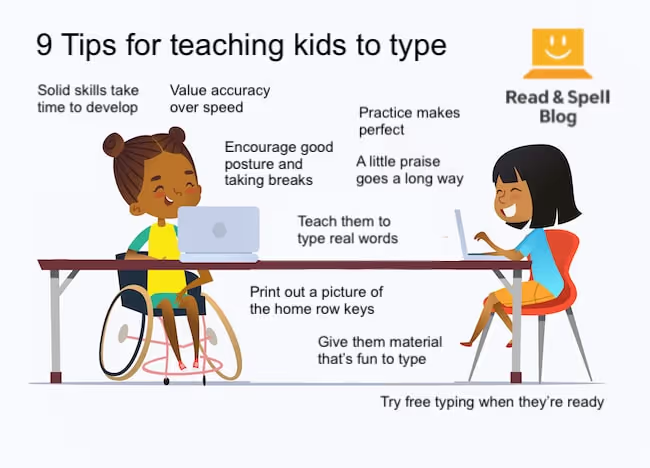
9 Tips for teaching kids to type
- Solid skills take time to develop. Children learn typing by mastering one key at a time and practicing letter combinations, words, phrases and complete sentences. Some students may acquire the skill faster than others, so it’s important that every student is allowed to learn at a pace that is just right for them.
- Value accuracy over speed. Typing involves building up a repertoire of letters and letter combinations carefully until they can be executed accurately, with speed coming later. Some kids may make mistakes or be tempted to look at their hands if they are pressured to type fast before they are ready.
- Practice makes perfect. The more regularly students practice their typing, the better. This will help them strengthen the muscles in their hands and feel more comfortable with the movements required to type each key. Shorter typing sessions that take place several times a week are better than fewer sessions which last longer.
- A little praise goes a long way. Kids need plenty of encouragement and positive feedback. Not only will it motivate them to continue working to reach their goal, but it will boost their self-esteem, which is particularly important for those individuals who are not confident in the classroom.
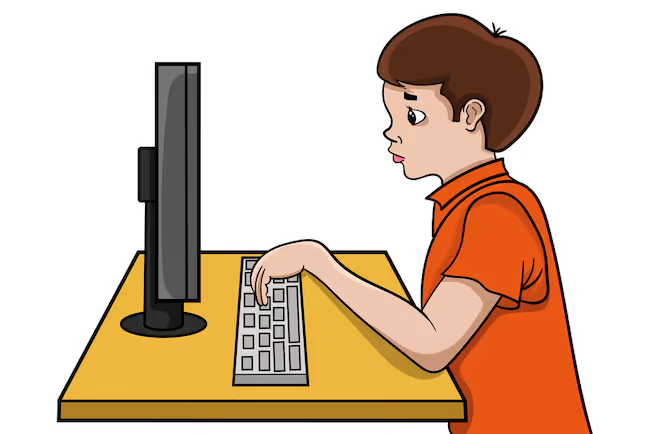
- Encourage good posture and taking regular breaks. Children should be taught to sit up straight at the computer with their shoulders back and knees and elbows bent at 90 degrees. Don’t let wrists droop. Healthy tech habits also involve getting up from time to time and removing your eyes from the screen every half hour or so.
- Teach them to type real words. Some programs introduce keys using nonsense letter combinations but this isn't helping students much. In a real world setting, a child will only be typing real words, thus it's best if they learn the coordinated series of movements used to type a word from the beginning. Using real words also draws a direct link between a typing program and its application. They won't necessarily experience the same feeling of achievement in typing a line of jkjkjkjkj as they will words they can use to express their thoughts and feelings.
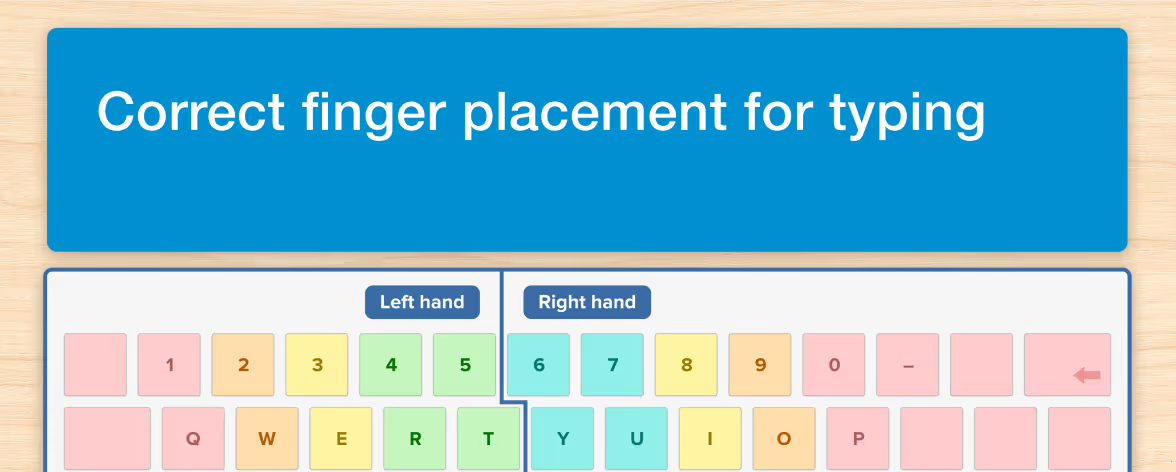
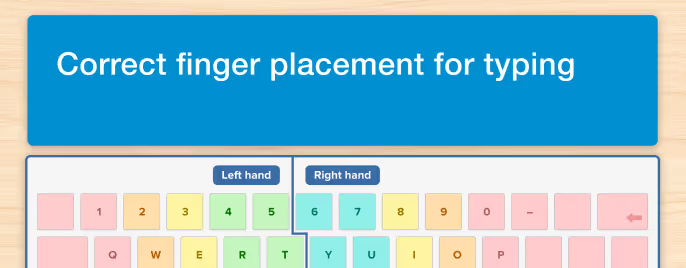
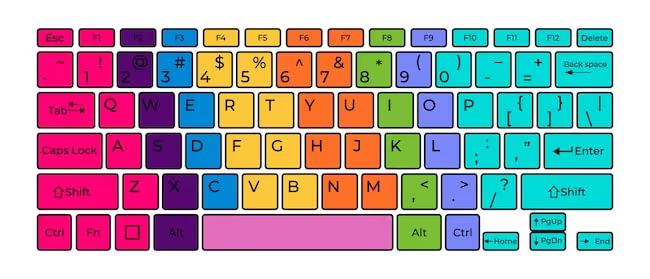
- Print out a picture of the home row keys. In the beginning, it helps to be reminded of where the hands go and which finger is used to type which key. You can put up a poster near the computer or in the place where they most often practice typing. Here's a free one you can download.
- Give them material that's fun to type. Typing their way through boring and dry exercises may be somewhat uninspiring for kids. It's often unavoidable in the beginning, but once they've learned the keyboard and feel comfortable with typing, let them hone their skills by typing along to content they like or that teaches them something about their favorite subject. You might even have them try to type along to a song and then check the accuracy of the recorded lyrics.
- Bridge the gap between typing and writing on the computer. In addition to working through a typing course on a regular basis, give learners a chance to write their own text using a computer. You might take a creative approach that helps them practice their new skills in a fun way, such as drafting haikus using only words containing the letters/keys they have mastered.
Touch-type Read and Spell (TTRS)
Educational technology can help children strengthen literacy skills, deal more easily with the challenges of learning difficulties, and enhance their performance across the elementary and high school curriculum. And while apps typically make headlines for their big-data algorithms and adaptive lesson plans, one of the best ed tech ideas for children may be a more back-to-basics approach. For example, platforms that teach keyboarding skills.
Touch-type Read and Spell (TTRS) is a modular typing course for home or school use that provides the kind of multi-sensory learning which reinforces phonics and spelling and helps kids who are learning how to read. In the early levels, children hear a letter read out loud, see it on the screen and then type the corresponding key(s). This supports phonics work and make sounding out words easier. The program then moves directly to teaching real words. In fact, in TTRS kids type groups of words that teach English spelling patterns. A scope and sequence helps organize the curriculum so they build their knowledge of English phonics and spelling gradually. Modules can be repeated as many times as a child likes and many of the words come from the Dolch List, vocabulary that makes up 50-75% of all text used in elementary school materials. If you're considering teaching your child to type, have a look at the TTRS Course and get in touch about a free trial!
Do you have any tips on teaching kids to type? Please get in touch and share them with us!