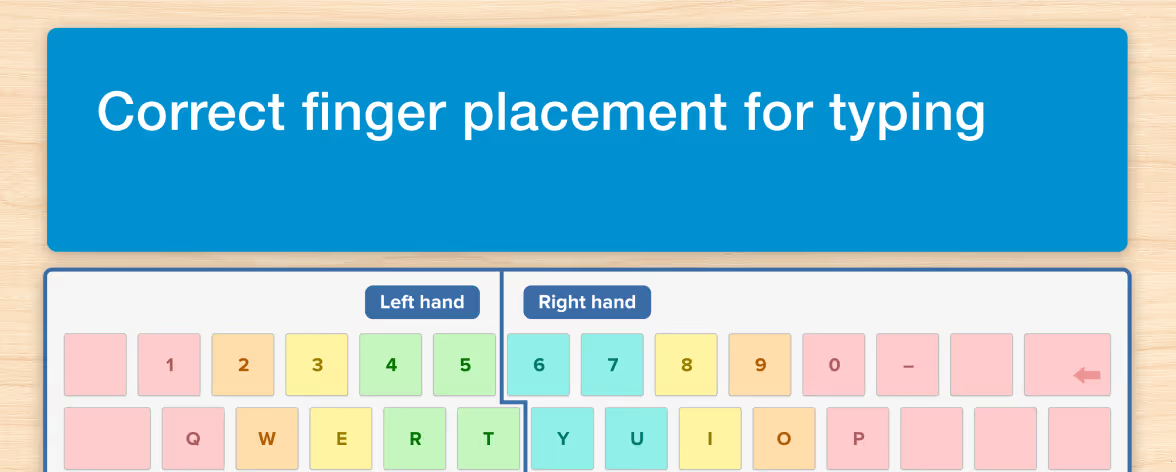




There are many ways to practice a list of spelling words, from making flash cards, to using oral recitation, or just plain writing the words out by hand. Yet one of the most effective and easiest approaches is using a computer or tablet and wireless keyboard. Not only is typing convenient, but it's also a multi-sensory activity that involves kinetic elements which can support learning and retention of letter patterns. That's because typing a word allows muscle memory to encode the spelling as a series of key strokes.
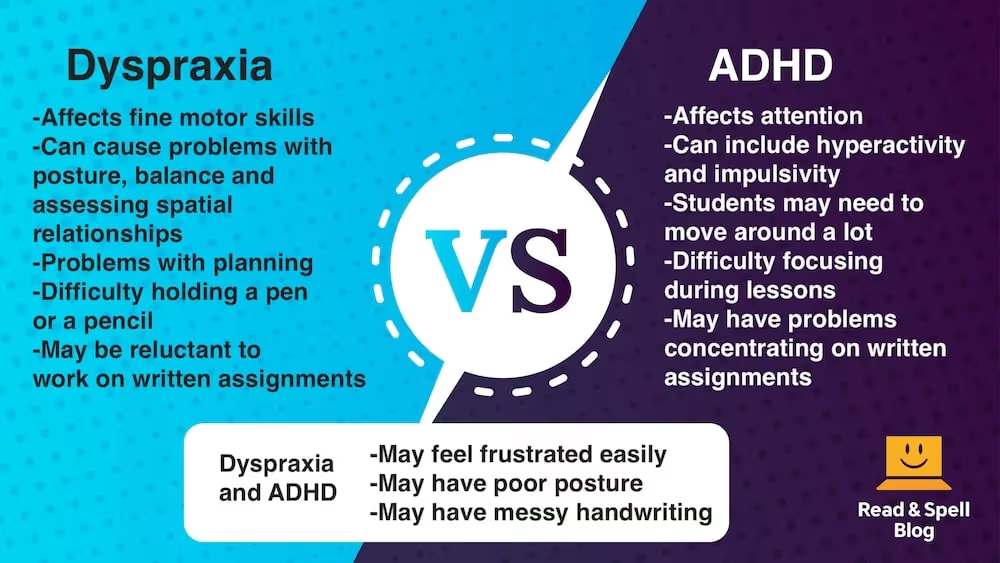
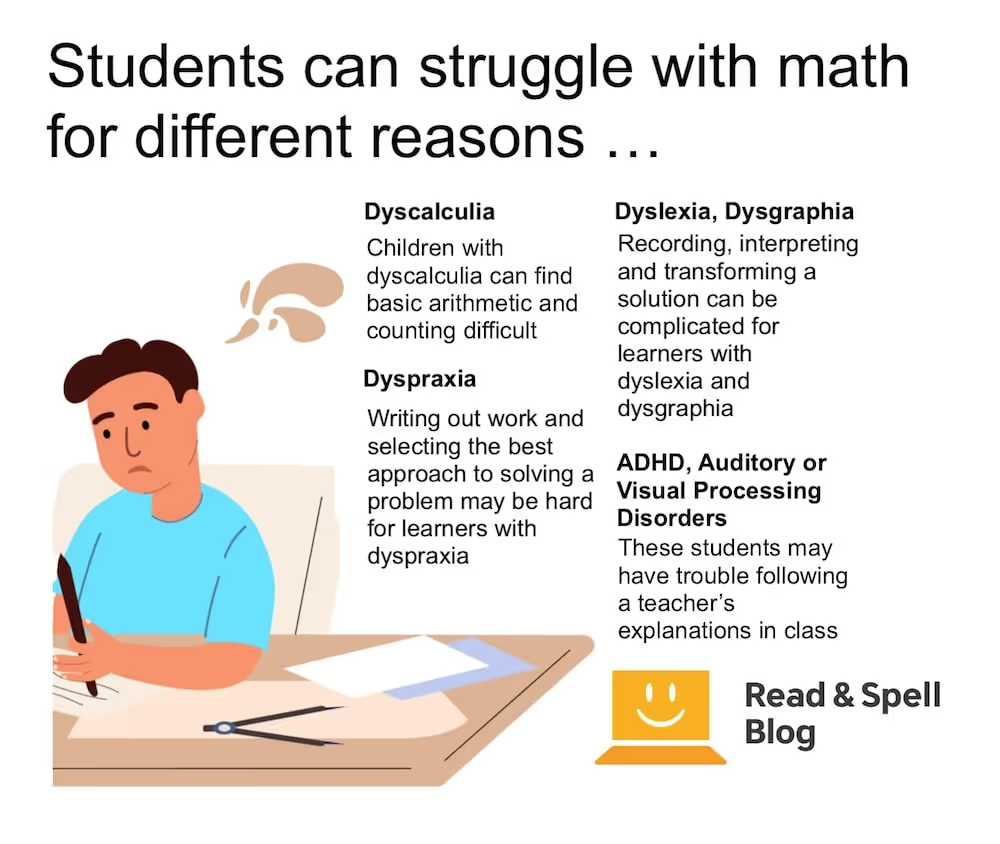
Typing is also a highly accessible solution for students who struggle with fine-motor skills and find it painful to write by hand. It's the preferred approach when dysgraphia is present. Some learners with autism find it effective and it's a great solution for students who struggle with language-based learning difficulties like dyslexia.
How to create your own drills
It only takes a moment to create your own typing drills.
1. The straightforward drill
If you already have an electronic list you’re working with, you can simply copy and paste the words into a word document. Remove any formatting, create a table and place each word multiple times across a row. The student can then type on the line below. Having learners say the words aloud as they type is best, as is using a touch-typing method so their eyes remain up and looking at the words on the screen vs. scanning the keyboard for letters. Learn more about teaching kids to type: Typing for kids, How to teach typing.
2. Dictation, dictation
You can also read words out and have a student type them, or create recorded audio files on the computer and save them as Exercise 1, Exercise 2, Exercise 3 etc. In this way the student can work through multiple lists and be more independent in their study. Dictation helps a new speller improve their ability to segment sounds. The bonus is you can mix up the order of the lists quite easily and there’s no word document to prepare. The downside is you will have to adjust the pace as you are reading and you will need to verify they have spelled the words correctly at the end.
3. Collocates are good company
Words are seldom encountered on their own or in isolated lists so one of the most effective ways to practice real world spelling is by looking up a word’s common collocates – words that it frequently appears together with – and adding a few lines of drills for these words too. You might include words from the list on their own first and then follow them with lexical sets. For example dog dog dog house house house dog house dog house dog house hot hot hot hot-dog hot-dog hot-dog etc.
Top Tip: Alternatively, use an accessible touch-typing program like Touch-type Read and Spell for automatic feedback on performance and the ability to turn any module into a dictation exercise! TTRS word lists are specifically designed to enhance spelling skills.
4. Rhymes for the win
Spelling is all about phonemic awareness which entails understanding how to break a word down into its component parts. Consequently, this is the aspect of spelling individuals with dyslexia most struggle with. Part of phonological awareness is understanding rhyme. You can help rhyming skills develop by creating typing drills with a word on its own followed by rhyming pairs, for example bake bake bake make make make bake make bake make cake cake cake bake make cake etc. Make sure the learner says the word pairs aloud as they type. There are also certain lists of rhyming words you can use.
5. Break it down into word parts
If you have a learner who is really struggling, you might try breaking a word into parts. List each part on a different line. Begin by removing any affixes or suffixes and having them practice the word’s root. Then add the suffixes and affixes in one at a time so they build the word in steps until they are typing the whole word out across a line. It can take a while to get through a list (especially if you are working with two more lists) but it will be worth it in the end. Learn more in these posts: 3 Common challenges in spelling, How to help with spelling.
6. Add a visual element
Blocks of text can be intimidating for a student, especially one who finds spelling tedious. Either add an image to the electronic document or leave a bordered box above different sections so the page can be printed and the learners can add their own drawing afterwards. If the spelling words are too abstract to inspire an illustration, you might contribute some concrete nouns from the Dolch noun list.
Top Tip: Did you know TTRS has modules and Subject Lessons composed entirely of Dolch words? Practice with these high frequency vocabulary words can help reinforce sight reading skills and improve comprehension. Learn more in this post on teaching sight words.
7. Creativity, color and font
How can typing drills be creative you ask? Use color, font size, typeset and other formatting tools such as italics, bolding and underlining to create a visually stimulating collage of typed spelling words. Manipulating their order can be especially fun for lists of related items. You can also add shapes with outlines and type words inside them for a neat effect. Just keep in mind some typefaces may be difficult for learners with dyslexia to read.
Top Tip: Serif fonts may be difficult because they contain small flourishes which can be visually distracting.
8. Language in context
Once a learner can type a spelling word on its own, create some sample sentences which help to reinforce the vocabulary’s meaning or use. You might introduce synonyms, antonyms or expand to paragraph level text which includes a small narrative. This is a great way to grow a learner’s vocabulary and is particularly useful when learning hard to spell subject specific vocabulary, such as in science class.
Top Tip: TTRS has typing modules for science and math which are mapped to the UK and US national curriculums and feature spelling practice and simple definitions to help with reading comprehension.
9. Free-writing typing
Add the words in an outlined text box at the top of the page and provide a list of numbers. Have the student compose a sentence for each word and go back and underline it afterwards. This is a great way to transfer spelling words and new vocabulary from receptive to productive use. It’s also good if they will be tested on spelling using a gap-fill test.
Advantages of using a typing program
If typing is something your child likes to do, it may be worth investing in a typing program to improve both their computer and spelling skills. That’s because as learners advance in school, written assignments become more frequent and length expectations increase exponentially. You don’t want poor spelling ability to hold a child’s vocabulary usage back.
Depending on the age and learning style of the student, Touch-type Read and Spell may be a good option. TTRS has 24 levels with 31 modules each. Learning is incremental and a phonics-based approach means students acquire an intrinsic understanding of how spelling works in English. They build this knowledge gradually in a multi-sensory way.
Touch-type Read and Spell can be used by children ages 7+ to learn typing, improve spelling skills and strengthen decoding and sight reading. It is especially good when attention disorders are present, given its streamlined and distraction-free interface. TTRS is recommended by the British Dyslexia Association for learners with dyslexia as it follows the Orton-Gillingham approach. However, if you want a course that includes games and illustrations, there are other products available. Learn more about the benefits of typing and tips for beginners in these posts.
Other tips for improving spelling
While typing is an effective and easy way to practice spelling words, there’s also adventure spelling. Head to a location where the words on a list are likely to be found in their written form and see what you can find. Keep a photo journal of every time you spot a word and of course write it down or type it as well. You might also look into the history of the lists you’re working on to find the roots of different words. For example, many words in English come from Latin or Greek but there are plenty of Spanish, Russian and even Arabic loan words too! Play a modified version of Scrabble and see how many words from the list you can build, connecting them onto the same structure. Get more ideas on developing spelling skills in this article.
Don’t forget to make it fun
Remember that spelling doesn’t have to be boring. If you make it fun and enjoyable, a learner is more likely to let down affective barriers and allow the new material to sink in. Using blocks to build word towers, tracing letters in the sand, chanting letters out to rhythms and even the game "I spy something beginning with –" are great ways to make spelling engaging and multi-sensory. Read more in this article on making spelling fun.
If you liked this post, you may also be interested in our articles on how to practice typing and how to teach spelling words.