



Have you ever met an individual who can type on a keyboard without looking down at his or her fingers?
Perhaps it is a fellow student participating in a group discussion and typing up notes at the same time, or a co-worker sending out emails as you dictate the text. It might even be a friend creating an electronic to-do list to keep your afternoon on track.
There is something impressive about the way touch-typing carries on at such a steady and even pace, allowing the typist to automatize their movements and focus on the words on the screen. It’s almost as though the keyboard becomes an extension of their fingers.
Now compare this to the hunt-and-peck method. This is the term used to describe individuals who type one key at a time, their hands hovering over the computer as they search for letters in a haphazard fashion usually using only the index and second fingers of each hand.
Learn more about touch typing vs. the hunt-and-peck method.
Typing is an important skill today in both academic and work environments. Nonetheless, while searching for individual letters is far more time-consuming and much less effective than touch-typing, more people hunt-and-peck than you might think.
But you are never too old to learn how to touch type. And, it’s a skill worth mastering if you’re looking for a new career, embarking on a degree course or simply want to improve your computer skills.
That’s because it doesn’t take that long to learn, there are plenty of online courses that teach typing, and the benefits far outweigh the effort required of you.
Learning touch-typing over the years
The first man to touch type was Frank Edward McGurrin, a court stenographer who held the title of “world’s fastest typist” in the late 1800s and taught people to touch type on the side.
Touch-typing was originally developed to help people use the keyboard on a typewriter. In order to transcribe or copy from one sheet to the other, you needed to be able to keep your eyes on the original text. Plus, there were no delete keys on typewriters, so accuracy was important.
In the 1950s, 60s, and 70s, typists were focused on improving their typing speed without sacrificing accuracy. Speed was measured in words per minute with the average word estimated at five keystrokes. Letters, spaces and punctuation all counted as a keystroke. An average typist could work at 50-80 wpm, while 80-95 wpm was considered a fast typing speed.
With the advent of py ersonal computers came computer science courses in which basic skills were taught, including typing.
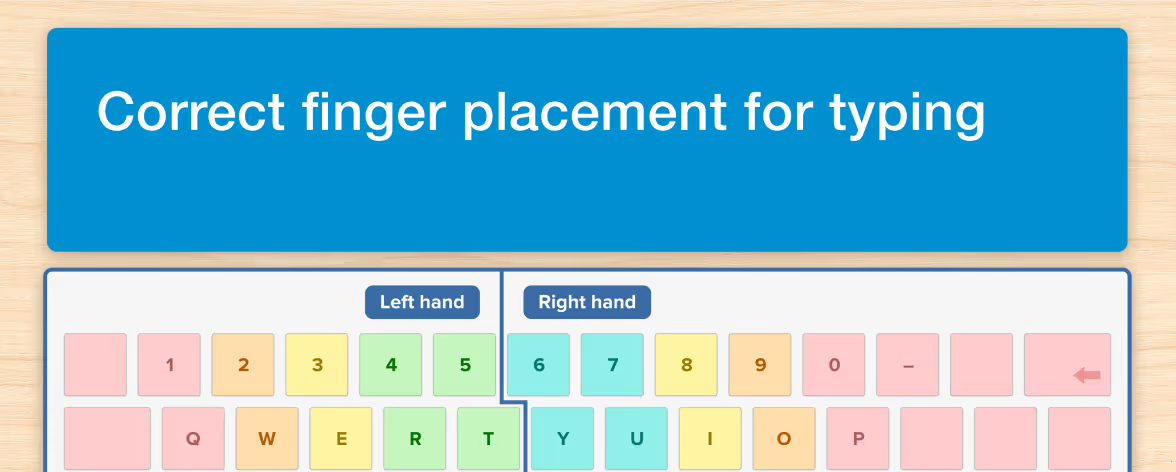
The placement of the correct fingers on the home row keys was a common starting point and letters were then introduced one at a time, with students practicing using specific fingers to reach each key and combining them into words and common letter sequences in English.

How long does it take?
It all depends. Today’s courses no longer require a computer lab. Often all you need is an Internet connection to get started. The amount of time required correlates with the amount of time and effort you put in, but at best you should be able to learn to touch type at 40 wpm in as short a period as two weeks.
Why it might take longer
Because you are learning how to develop muscle memory in your fingers, it might also take longer. How long it takes is less important than actually mastering the skill. Practice what you learn and get comfortable using touch vs. sight as your primary sense.
Keep in mind that touch-typing can be slow in the beginning but you will gradually get faster and better the longer you stick with it. Eventually, you’ll find your fingers rest on the home row keys automatically. Sometimes, what takes the longest is just unlearning the hunt-and-peck habit or mastering common keyboard shortcuts.
How to speed up your learning
If you are looking for a way to speed things up, you can learn how to type high frequency vocabulary, such as words from the Dolch list which make up 50% of most English texts. Automatizing sequences of letters will make you faster and allow you to spend more time on more complex and hard-to-spell words
Benefits of touch-typing
Speed and writing fluency
Being able to touch type will make you faster at everything you do on a computer, whether it’s writing emails, applying for jobs, chatting with friends or composing your next novel. This is because you can put your thoughts down as they come to you, just like you do when you write by hand.
Accuracy
With touch typing, you are less likely to make mistakes as learning typing also helps you improve your spelling skills.
Success at school
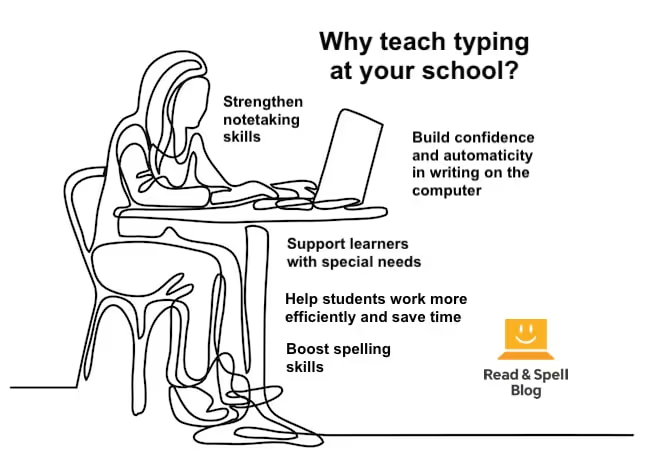
The benefits for students include brainstorming projects, taking instantaneous e-notes during class time, doing homework electronically, composing essays and even proofreading more effectively.
Career advancement
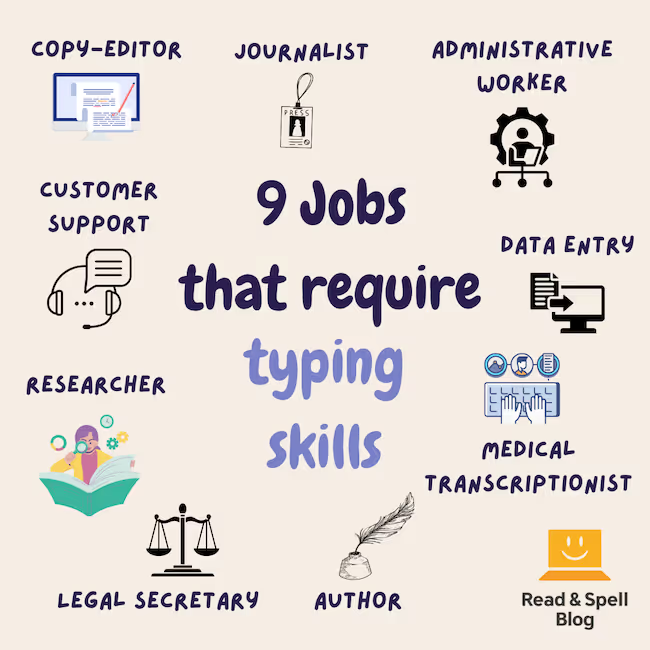
For people seeking career advancement or temporary work, typing is a skill that comes in handy across professions.
Help for learning difficulties
Individuals with learning difficulties or visual impairments will find that typing can make a world of difference in keeping up with classmates and alleviating the frustrations involved with handwriting. Learn more about the benefits of typing for individuals with dyslexia.
For children who learn touch-typing using a phonics-driven approach, like Touch-type Read and Spell, there is also the added benefit of improving spelling and reading skills.
Get started today!
The best courses break the task of learning how to type into manageable steps and reinforce the practice with a multi-sensory approach. No matter how long you take to complete each level, you’ll receive plenty of practice and gradually build up your skills with encouragement and progress reports to keep you motivated along the way.
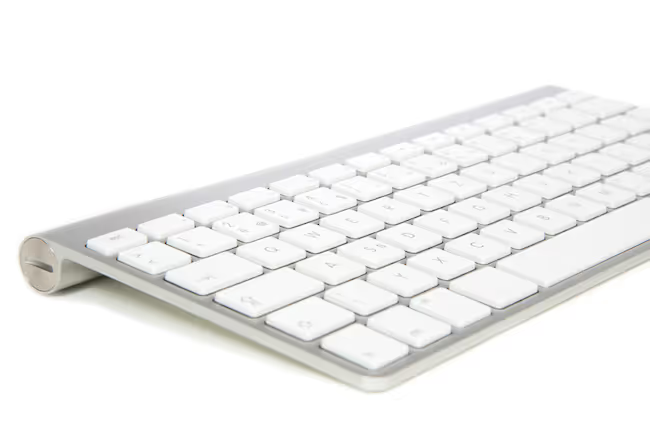
TTRS is a popular course available for schools, individuals or even tutor programs. Learn on your computer or use your iPad and a wireless keyboard with the TTRS app!