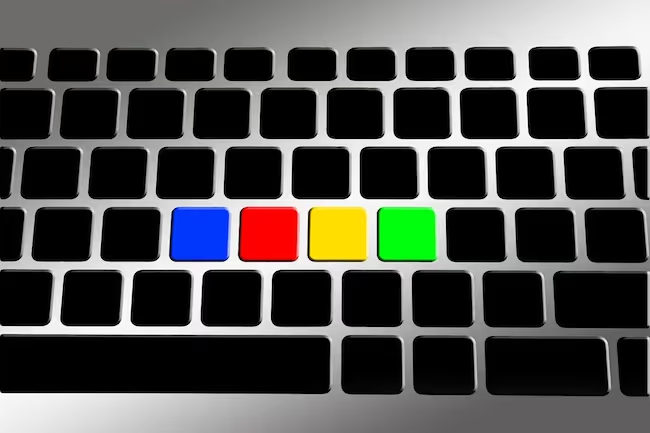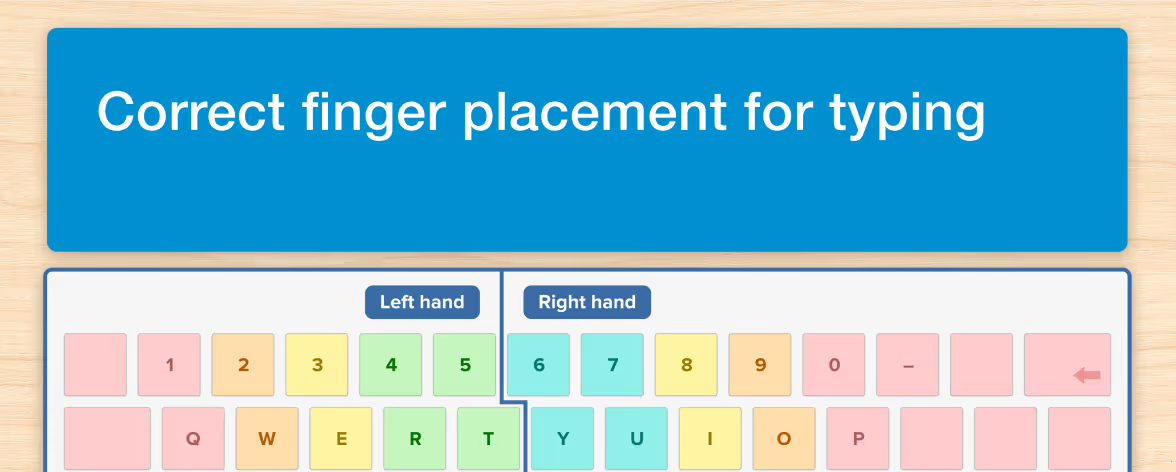




In your first touch typing lesson, you will learn how to place your hands on the keyboard, recognize the home row keys and type using the correct fingers. As you progress through a course, each new lesson introduces a handful of keys for you to practice until you feel comfortable locating them without removing your eyes from the screen.
When you master new letters, your confidence and accuracy will increase, along with your speed. Just keep in mind that not every beginner achieves perfection right away. It often takes a handful of sessions to feel comfortable with touch typing. That’s because it is the typing technique, not accuracy or speed, that you must learn first, and this requires developing new muscle memory.
Moreover, if you’ve spent most of your life typing with a few fingers, you’re not only learning a new skill but working to overcome ingrained “hunt-and-peck” habits at the same time. First off, set yourself up for success by vowing never to look down.
Next, worry about technique and then accuracy. Don’t prioritize speed until you’re well on your way to becoming a touch-typist. Lastly, check out our tips below and TTRS posts on the Home Row Keys, Correct Finger Placement, How Long it Takes to Learn Touch Typing and the Benefits of Typing for more information.
5 Tips for anyone learning how to type
Watch your posture
There are two reasons why you should sit properly at the computer. The first has to do with ensuring adequate blood flow to the fingers and facilitating correct positioning of the hands. The second is because you don’t want to injure yourself. Carpal Tunnel Syndrome causes a dull aching pain or numbness in the wrist, lower arm or hand but it can be avoided by keeping the elbows bent at a 90-degree angle and the wrists loose, with hands lightly resting on the keyboard. Before you begin a lesson, adjust the height of your screen so your neck is straight and take care not to hunch your back into a curved position. Place your feet flat on the floor, shake your hands and take a few deep breaths to relax your body. If you make an effort to learn this routine as a beginner, you’ll build healthy typing habits that will help protect you from injury later on.
Use your senses
Multi-sensory learning is when you involve all of your senses in helping you to acquire a new skill and it can be particularly useful in typing. Eyes, ears and fingers work together when you see a word on screen, hear it read aloud and type it using the correct fingers. Certain multi-sensory programs, including the Touch-type Read and Spell course, also give you the option to display a hand guide on your screen that indicates how the keys should be typed. This visual guide may be useful to you as a beginner learner and you can always turn it off in a later lesson when you are more comfortable with your keyboard skills.
Keep it short and sweet
Though you may be tempted to spend long stretches practicing your new typing skills, sitting at the keyboard and staring into a screen for too long isn’t healthy. An ideal lesson for a beginner should be no shorter than 20 minutes and no longer than an hour. Repetition is the key to automatizing movements but short and frequent practice tends to be the most effective. Try to fit in a little typing practice every day or several times a week. This will help train your hands so you gradually develop the required muscle memory in your fingers. If you do need to spend an extended period of time at the computer, take plenty of breaks to move around, stretch and focus your eyes away from the screen.
Learn from your mistakes
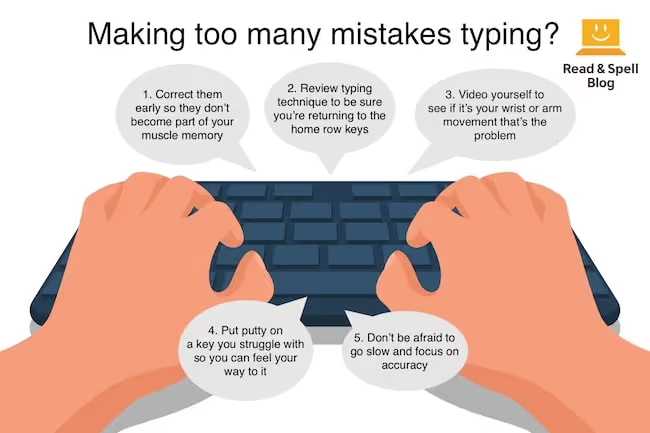
When you are first learning how to type, accuracy is not as important as mastering the typing technique. In fact, repeatedly making the same mistake can be a blessing in disguise as it often alerts you to incorrect finger positioning. If you keep accidentally hitting the wrong key, try to set up a camera that records your hands while you’re typing and then watch carefully to see if you are starting off with the home row keys and moving each finger in the target way. For particularly hard movements, try saying the letter out loud as you type it and if all else fails, place a piece of putty or Blu-tack on the key to make it easier for your fingers to find. Remember, it is essential to master each lesson with 80% or greater accuracy before you move on.
Have fun with it
Learn all of the keys and then start playing around with your new skill. Have you ever closed your eyes or turned the lights off and tried typing in the dark? Touch typing also enables you to maintain eye contact with a friend or family member as you transcribe your conversation. Once you learn to find the keys through touch alone and build up typing speed, you have a brilliant skill for taking notes. You can also learn computer shortcuts and other handy keyboard tricks. TOP TIP: If you are tempted to look at the keys during a typing lesson, you might consider taking a black marker to your keyboard to block out the letters. Just remember anyone who doesn’t know keyboarding will no longer be able to use your keyboard! Alternatively, tape a piece of paper over the keys or even drape a tea towel over the keyboard. In this way, you’ll be forced to find the keys through touch alone.
What you can look forward to
Enhanced Accuracy
Once you’ve mastered the skill of typing, you’ll notice that your accuracy increases and you spend less time reaching for the delete key. If you’re using a program like Touch-type Read and Spell to learn, you can even pull graphs that chart your progress. Seeing how far you’ve come will keep you motivated to finish the course and can boost your confidence when it comes to using computers.
Greater Speed
As you become a veteran typist, you’ll also get faster. That’s because the more you type a word, particularly high frequency words, the easier it will be to repeat the same sequence of letters at a greater speed. Time yourself and see how long it takes you to answer all of the emails in your inbox, write reports at work or draft essays at school.

Stronger Writing Skills
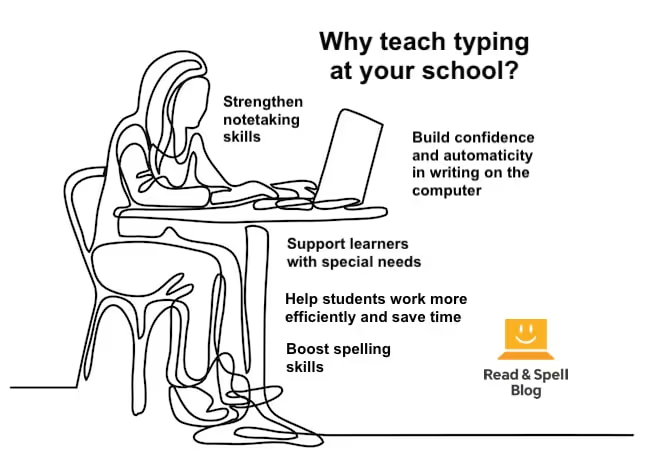
You’ll also likely notice a boost in the quality of your writing. This is due to the speed with which you can translate your ideas into text. There is no disruption to your train of thought caused by searching for keys or handwriting letters; the process is quick enough to capture ideas before they slip away. Some typists describe it as a free flow of ideas through the fingertips and onto the screen. Learn more about improving writing skills.
Improvements in Reading and Spelling
If you've ever struggled with learning difficulties or differences and/or want a refresher course on English spelling, starting a literacy-based typing course is a step in the right direction. That’s because repeat exposure to the words in the course not only teaches you how to type but makes you faster at recognizing them, which strengthens sight reading skills. Multi-sensory approaches help with phonics skills as well, and learning how to type a word using muscle memory, improves spelling.
More Career Opportunities
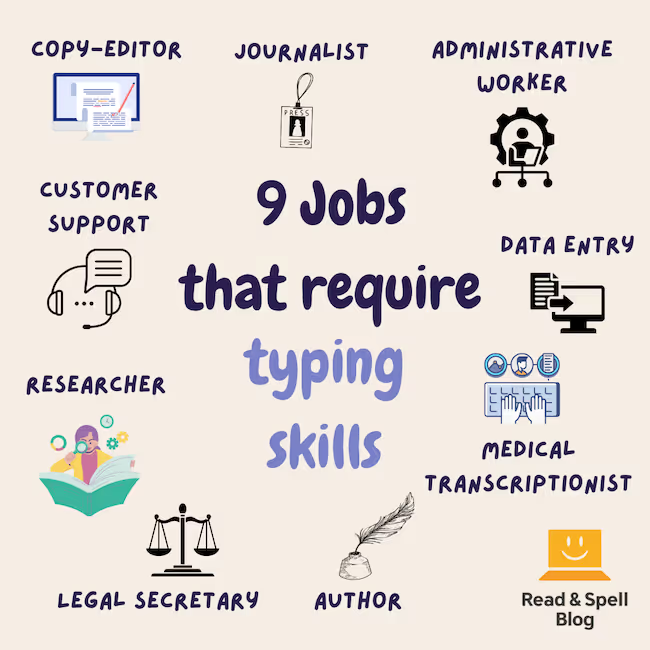
If you’re looking for a promotion at your current job or are considering changing careers, acquiring typing skills may qualify you for a new role. The faster you are at computer based writing tasks, the more valuable you are to your employer. At the same time, typing skills can open up career paths you hadn’t previously considered. Learn more about jobs that require typing skills.

Don’t give up
If you’ve made it through a number of beginner lessons and continue to find touch typing a challenge, consider why this may be. You might benefit from trying a new keyboard. Some people have hands that are either too large or too small for a traditional keyboard, so a new device might make all of the difference.
And if it’s not the hardware, it may be the method you are following. Consider signing up for a new course. Touch-type Read and Spell has been a successful tool for children, students, working adults, and veteran hunt-and-peckers. Its multi-sensory and self-paced approach may be just what you're looking for.
Discover a new kind of typing course
Lastly, you might consider taking on a tutor to help guide you through weekly face-to-face typing sessions. Beyond correcting issues with posture and hand placement, a tutor can give you the encouragement you need to be successful. Learn more about finding the right tutor.
Do you have any helpful tips to add? Get in touch and join the discussion!