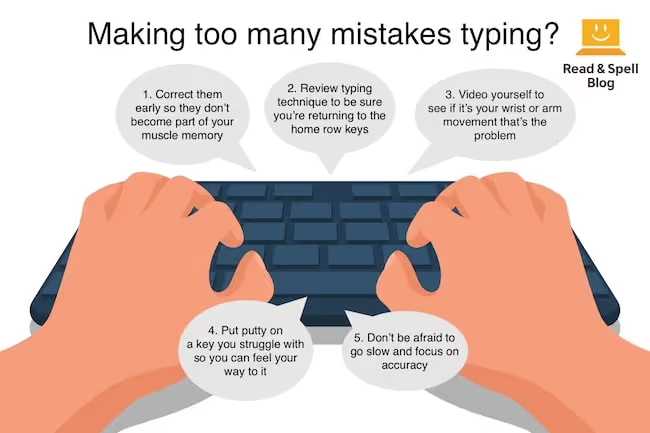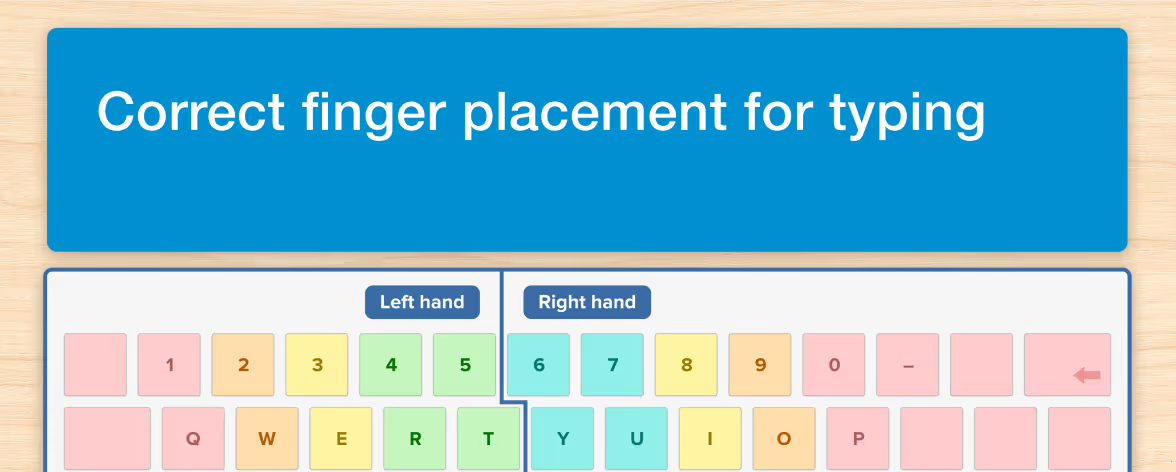




There are many reasons why keyboarding is preferred over the “Hunt-and-peck” method of using a computer. Touch typing enhances accuracy as you harness muscle memory in the fingers to assist with spelling. So what do we mean by muscle memory?
Once you have mastered the fingering on the keyboard, and consistently use the same finger to type a letter, you automatically remember where the finger goes without conscious thought.
If you ask someone who’s been typing for years, “Where is the letter b?” they may have difficulty remembering because this is a skill they have internalized. The conscious brain will be slower at answering the question than the finger.
Through sufficient repetition, fingers reach automatically for individual keys when they are needed. You don’t have to consciously think about where the fingers go.
Touch typing makes you faster. This, in turn, means you will be more productive, as it takes you less time to do tasks so you can take on more work or assignments, or alternatively spend less time sitting at a computer. Automatizing the process improves the quality of your writing too. It frees up cognitive energy so you focus on the ideas instead of just the language required to articulate them.
Moreover, learning keyboarding improves accuracy and can help with decoding and sight-reading skills for children and adults who struggle with specific learning difficulties. Learn more about the benefits of learning to type.
Keyboarding at school
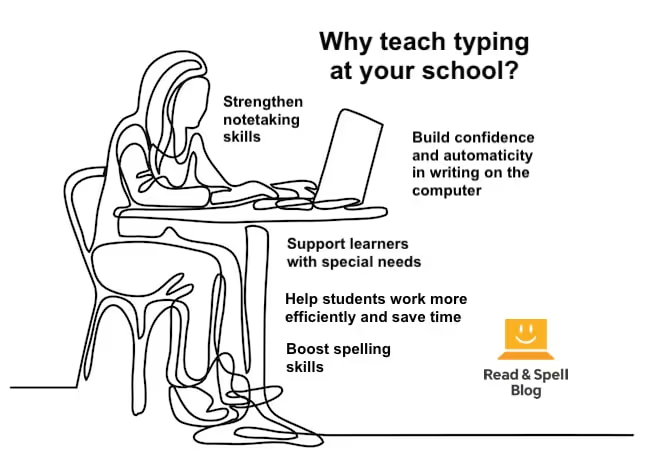
While tablets have become important tools in education today, typing on the computer is still a crucial skill for students to learn. Keyboarding means the muscles in the hand are involved in typing; the student feels his or her way through the activity instead of using the eyes as a guide.
Children will often benefit from studying keyboarding alongside learning how to read. That’s because in a multi-sensory course, such as Touch-type Read and Spell, the learning process reinforces phonics. Students hear a word spoken, see the word on the screen and then type it.
This helps them with the sound-letter mapping required for decoding and spelling. It also reinforces sight-reading skills through repetitive drills of high frequency vocabulary.

In later grades, school assignments become longer and it is often a requirement that written work is typed. Writing on the computer can actually improve a student’s skills because the process becomes more fluent as ideas flow freely through the fingertips and onto the screen.
Mistakes are easier to correct and re-write and working in drafts is more convenient. University students and researchers will benefit from taking electronic notes in class. Even adults who are returning to school can use touch typing to help develop spelling, literacy and computer skills. Last but not least, homework assignments, group work and sitting standardized exams are all facilitated.
In fact, computer testing is one reason why keyboarding should be considered an essential skill for all students to learn at school. The faster a student can type, the more time they can devote to improving the quality of their response and answering the rest of the exam’s questions.
Nonetheless, not all institutions offer it as a course. Learn more about why and how a school might introduce keyboarding.
Learning difficulties, attention disorders and more
Individuals with dyspraxia, attention disorders and specific learning difficulties like dysgraphia and dyslexia often struggle when it comes to producing neat and written work. Learning how to type can help these students achieve their full potential at school. In the case of dysgraphia and dyspraxia, it takes away the difficulty of letter formation and makes it easier to work in draft form. For students with dyslexia, typing can help encode word spelling and reinforce literacy skills.
It will also benefit people with visual impairments and other special needs too, including individuals with autism spectrum disorder and Down syndrome.
Using a computer for work
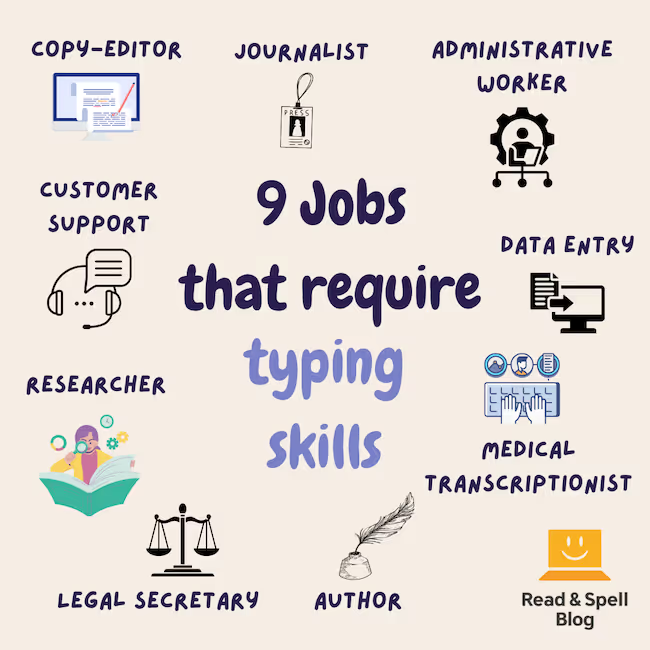
Things have changed drastically since the age of typewriters. It used to be true that people considered typing a skill that primarily served administrative workers and in the 1970s it was not unknown for ambitious women to be advised to learn to type but not to admit it to avoid becoming type-cast; however, this is no longer the case.
Today everyone uses a computer and whether you are typing from the road or the office, it’s likely your boss will expect you to send emails, write reports, complete online tasks and to be self supporting in secretarial skills. Some things can be done on a mobile or tablet device, but when it comes to producing professional communication that is both copy-edited and correctly spaced, it may be best to use a desktop or laptop.
Keyboarding is a skill that makes you look professional. The hunched-back, crooked neck and poor posture approach that goes with the “Hunt-and-peck” method is not nearly as attractive. If you walk into a job interview and can type in a relaxed and effortless manner, you are sure to make a better impression.
You’ll be taken more seriously and your computer skills will be visible to others. Most important of all, you will save so much time. It also looks great on a resume and can open up new careers for you—read more in our post on jobs for touch-typists.
Where to take a course
Keyboarding helps us use a computer more effectively and efficiently. Computers open up online and language education access for students around the globe. They bring opportunity to remote areas, provide tools for individuals with learning difficulties and physical impairments, and connect us to people half a world away. That’s why learning to type is such an important skill.
Some fortunate individuals have the chance to learn keyboarding at school or at home. It may be part of a computer science course or introduced as a separate skill to prepare students for further education or online exams.
The Touch-type Read and Spell program is offered at many schools and private tutoring centers and has been successfully used to teach children and adults keyboarding skills all over the world. The course is modular in design and takes an Orton-Gillingham, phonics based approach to typing. This means it engages all of an individual’s senses. Students see a word on the screen, hear it spoken and type the corresponding keys, which reinforces learning in memory.
Learners build self-esteem and self-confidence as they receive automated feedback and proceed through the course at a pace that is right for them. Everyone can learn this way, but for students with learning differences, the immediate success they experience can have a remarkable effect on self-esteem and confidence as a learner.