



Touch typing can help you become a faster typist, improve your career prospects and pave the way for success in further education. But the benefits of touch typing extend beyond mastering the home keys and increasing your speed. When you learn to type with a multi-sensory and modular course, you strengthen reading and spelling skills at the same time as you gain confidence and motivation.
This is important for people who use the hunt and peck method, but it can also make a huge difference to children and adults who struggle with learning difficulties. That’s because typing without looking at the keyboard involves muscle memory in the process and eliminates the need to use a pen or pencil. It eases the strain of writing for individuals who struggle with handwriting difficulties, dyspraxia and/or visual impairments and provides the kind of phonics training dyslexic students most benefit from.
Moreover, it presents an opportunity for students to “overlearn” material and improve their skill through self-study, saving a child from being embarrassed in front of his or her peers.
Typing is a skill that people have been learning since the late 1800s when the layout of the modern-day keyboard was first invented for use in typewriters. Since then, not much has changed, apart from the addition of the delete key and other controls used for computer shortcuts. However, the method by which people learn to type has come a long way from an instructor standing at the front of a room.
The keys are now taught through online programs that deliver computerized prompts and automatic feedback. Letters are introduced one at a time and learners see them on screen, hear them pronounced and then type the required key, gradually progressing to whole words and sentences. Teachers become facilitators, as learning is self-directed.
Modular courses, like Touch-type Read and Spell, allow an individual to take as much time as he or she needs to master a keyboard lesson before moving on. The by-product of repeating typing lessons is you don’t just learn to type but you learn how to spell the words that are part of the lesson.
Hearing words read aloud and seeing them on screen as you type them letter by letter, strengthens phonics skills. You also become faster at recognizing words by sight vs. sounding them out, which is an integral part of reading.
Writing skills are enhanced as translating ideas into text becomes automatized, and the accomplishment of successfully moving through a program and learning a new skill, one step at a time, gives many individuals the self-esteem boost they need to reach their goal.
Education benefits
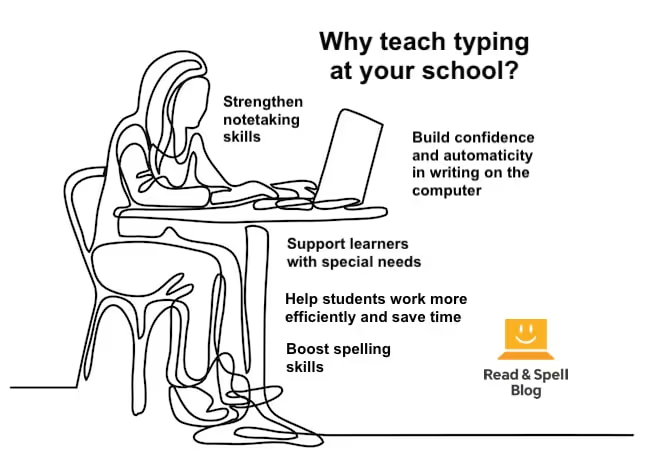
Experts generally say kids as young as 6-7 can learn how to type, as soon as their hands fit comfortably on the keyboard. Touch typing supports young learners in literacy skill development and proves a useful skill for new writers too. This is because it enhances the speed with which kids type, meaning they have more time to spend thinking about ideas and improving the flow of a piece.
Writing on a computer is also advantageous because the student can move words, paragraphs and sentences around without incurring multiple erasure marks and sacrificing neatness. This ability to edit and revise is a crucial part of writing.
Learning touch typing at school at a young age has the added benefit of preparing students for the longer and more complex writing assignments that will be required of them in later grades.
In fact, high school and university students do most of their work on computers, from Internet research to homework assignments, essays and group presentations. The learner who no longer needs to hunt and peck can focus their attention fully on the task at hand.
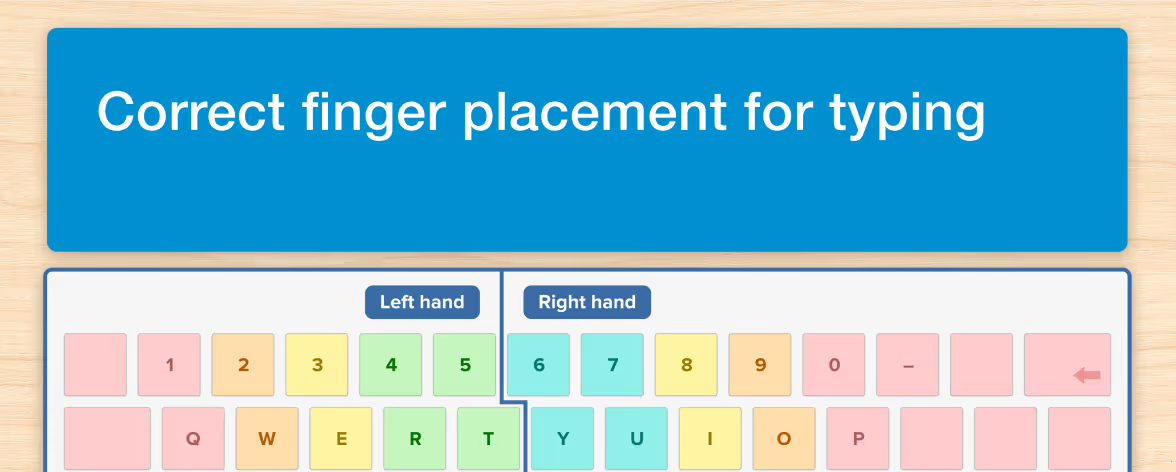
This freed up cognitive energy means working memory is more efficient and it’s easier to process and retain information. It’s also a matter of speed. Using the home keys as a base is faster than having to search for each letter, which can be annoying and distracting.
Physical impairments and learning difficulties
For individuals who struggle with physical impairments and learning difficulties, the benefits of touch typing extend beyond simply enhancing performance at school or on the job. Typing is an absolute requirement for the blind and visually impaired as it means they can navigate a keyboard without using their eyes and write quickly, efficiently and accurately without having to form letters by hand or see the words on a page.
For dyslexic students, learning touch typing emphasizes spelling and phonics. Repeatedly encountering high frequency words also helps with training learners to recognize words by sight, which saves them from the decoding process that causes trouble in reading. Dyspraxic individuals and those with dysgraphia may find it painful to use a pen or pencil to write by hand, due to the fine motor skills required of them.
Typing is typically much easier to master and a means for ensuring these kids don’t fall behind in literacy skills development. Lastly, individuals with ADHD may find it hard to focus on task or turn in neat work.
Taking a modular typing course helps them become better at breaking tasks down into manageable steps. Typing out work allows them to correct mistakes and make revisions without handing in a messy assignment.
Often these students may find school difficult and develop negative associations with learning. Successfully mastering touch typing can help individuals repair damage to self-esteem and gain confidence in reading and writing tasks.

Career benefits
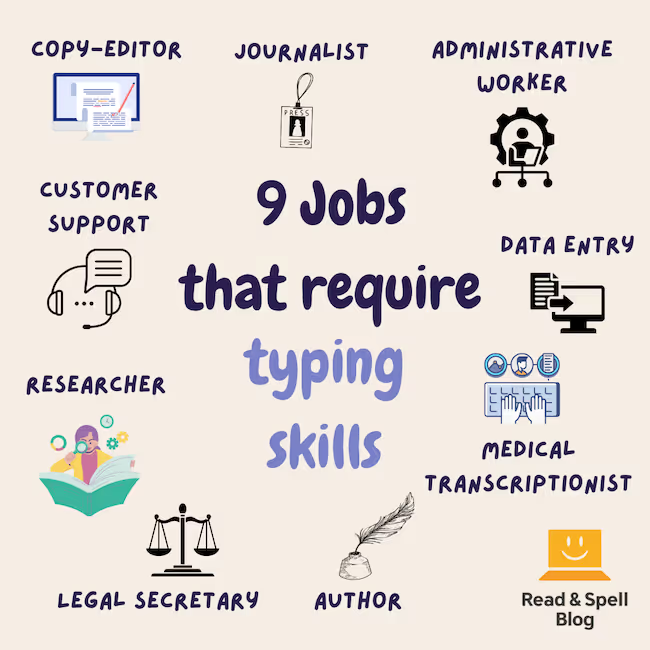
Whether a position is administrative or managerial, data entry, typing up emails, writing reports and working on other electronic documents is inevitable in today’s day and age. A worker who has to hunt and peck will be much slower than his or her colleagues and when time is money, speed counts.
That’s why employers may even reward faster typists with more work or better-paid positions. Also, as with writing skills development, if you aren’t looking at your keyboard, you can focus more on the tone and subject of your writing. Learn more about jobs that require touch typing skills.
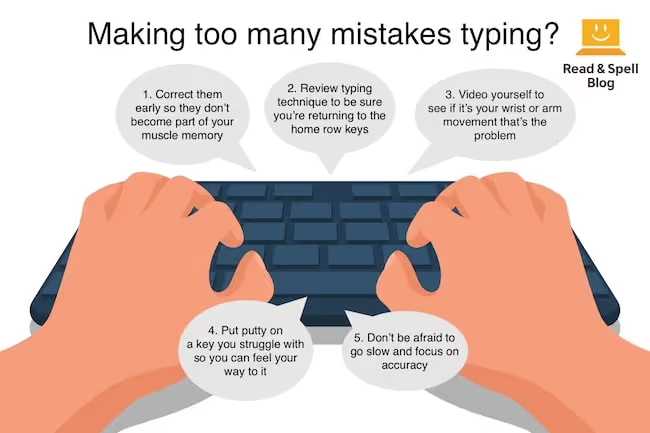
If someone has been a hunt and pecker for most of their life, it may take some time to get rid of old habits and use a keyboard without looking, but eventually, the effort will be worth it. Learning touch typing can take three weeks or several years, it all depends on how much time and energy the individual puts into it.
Do you know of any benefits to typing that we haven’t included? Send us an email and join the discussion!